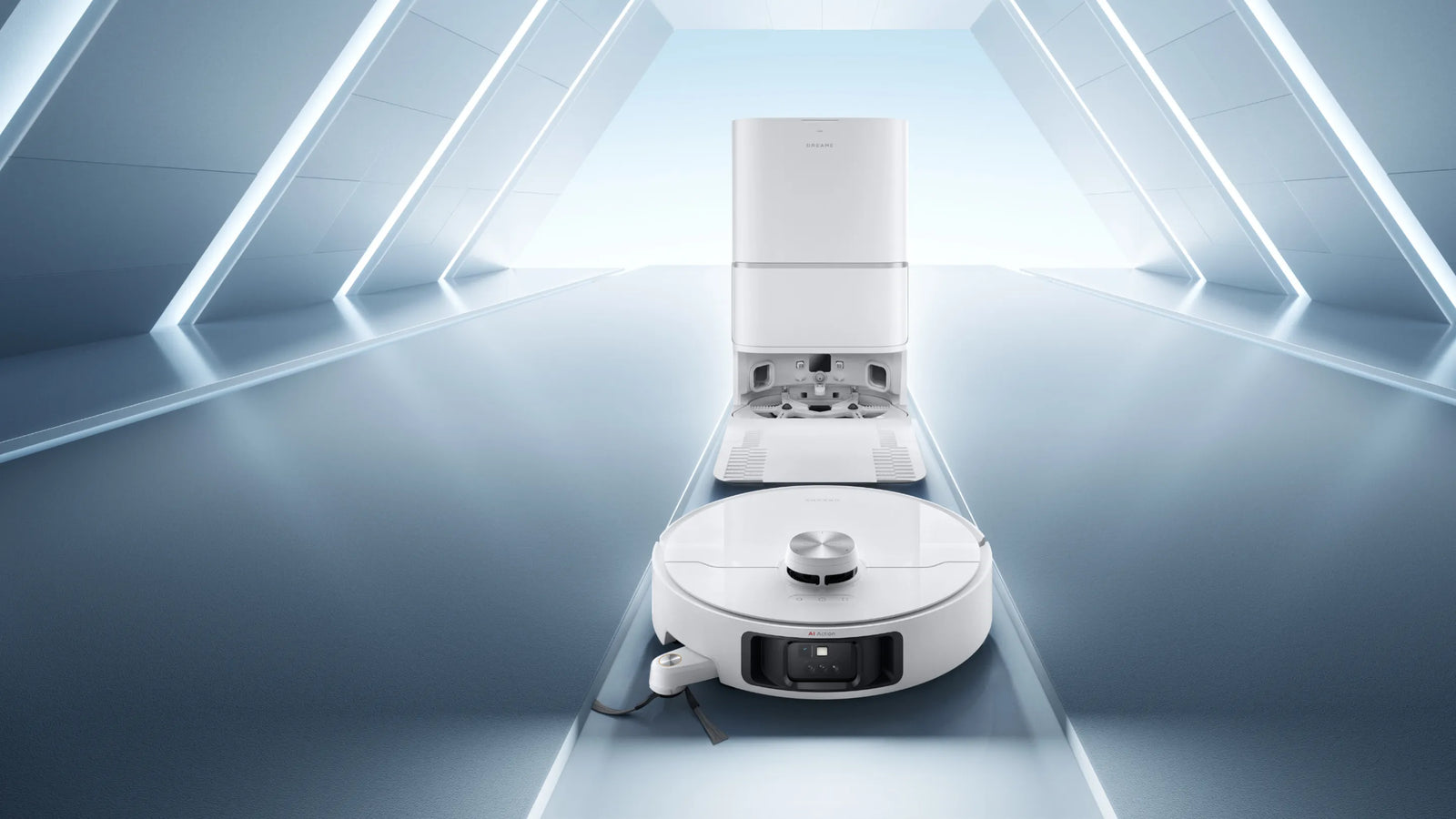
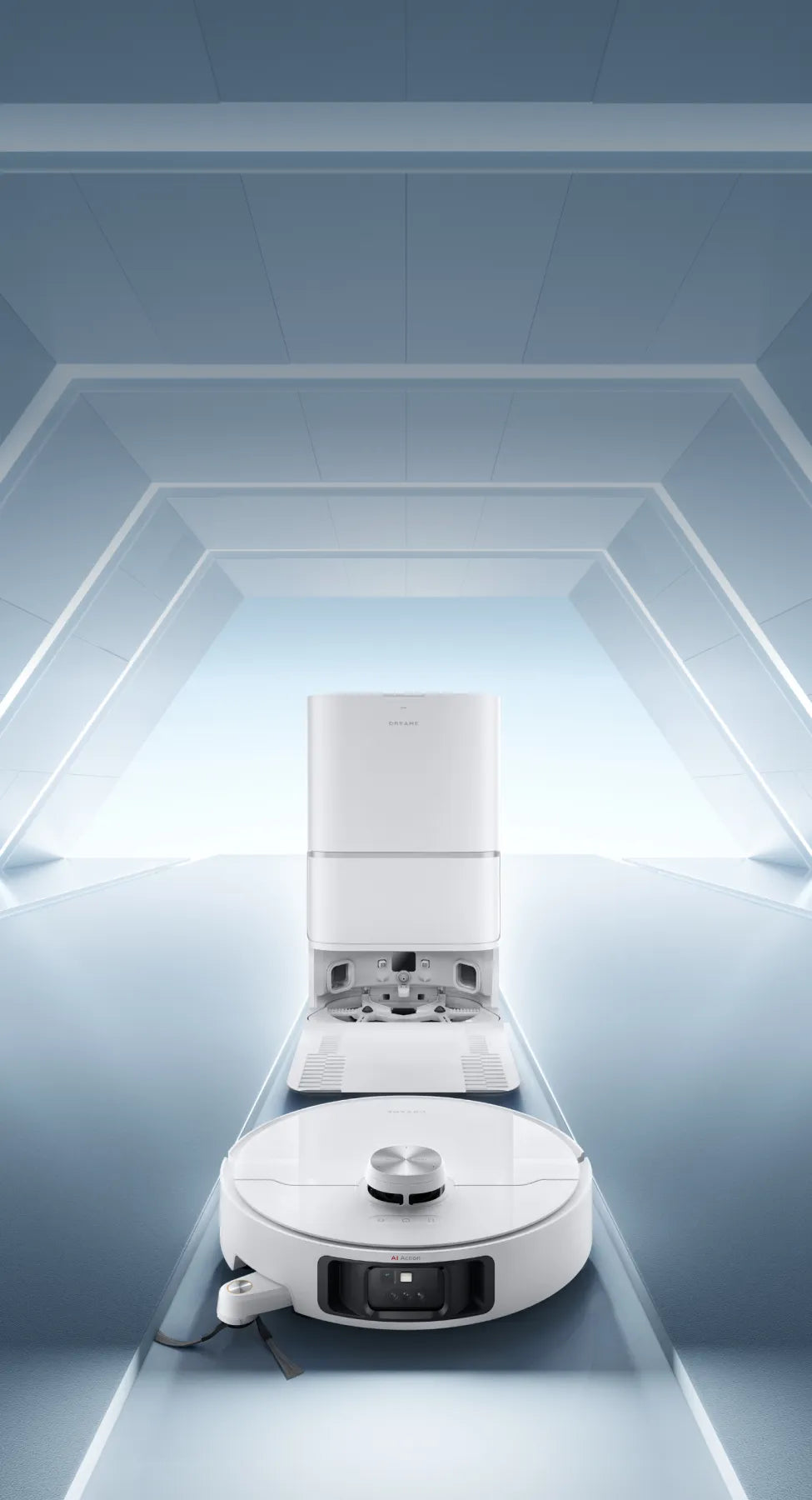
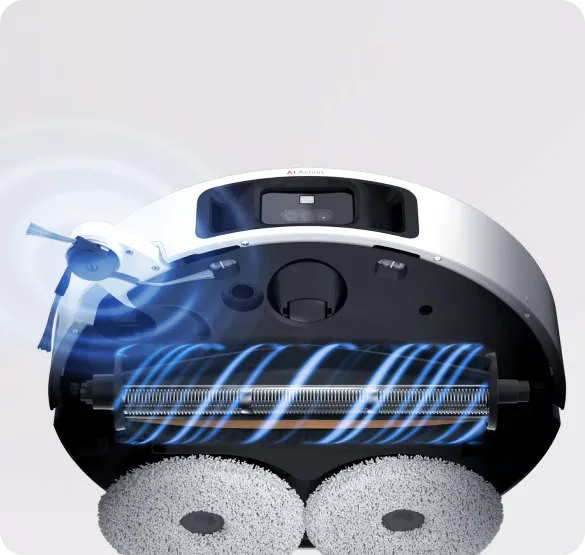
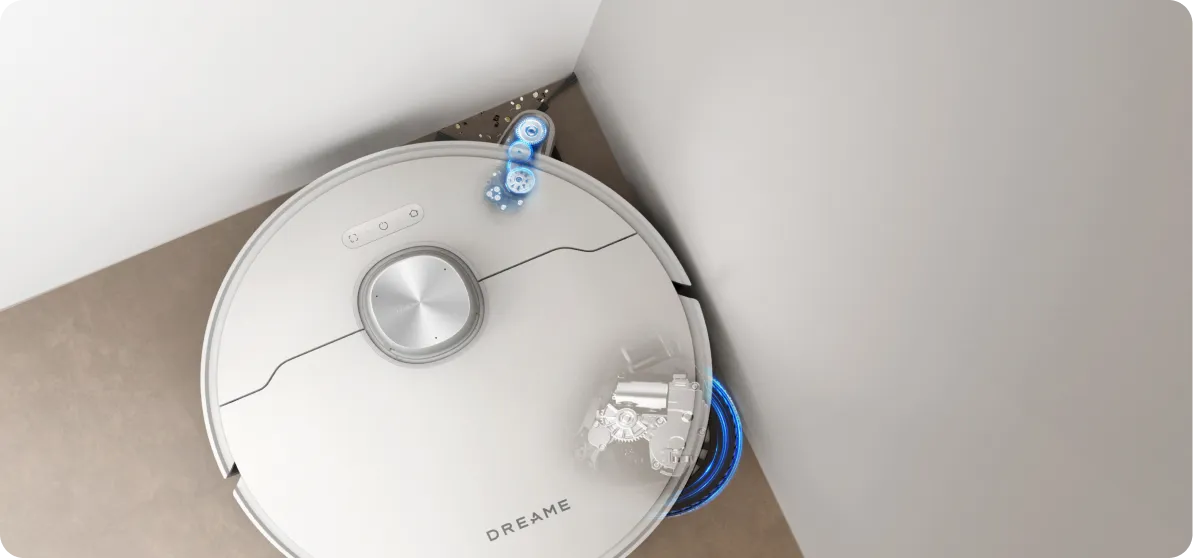
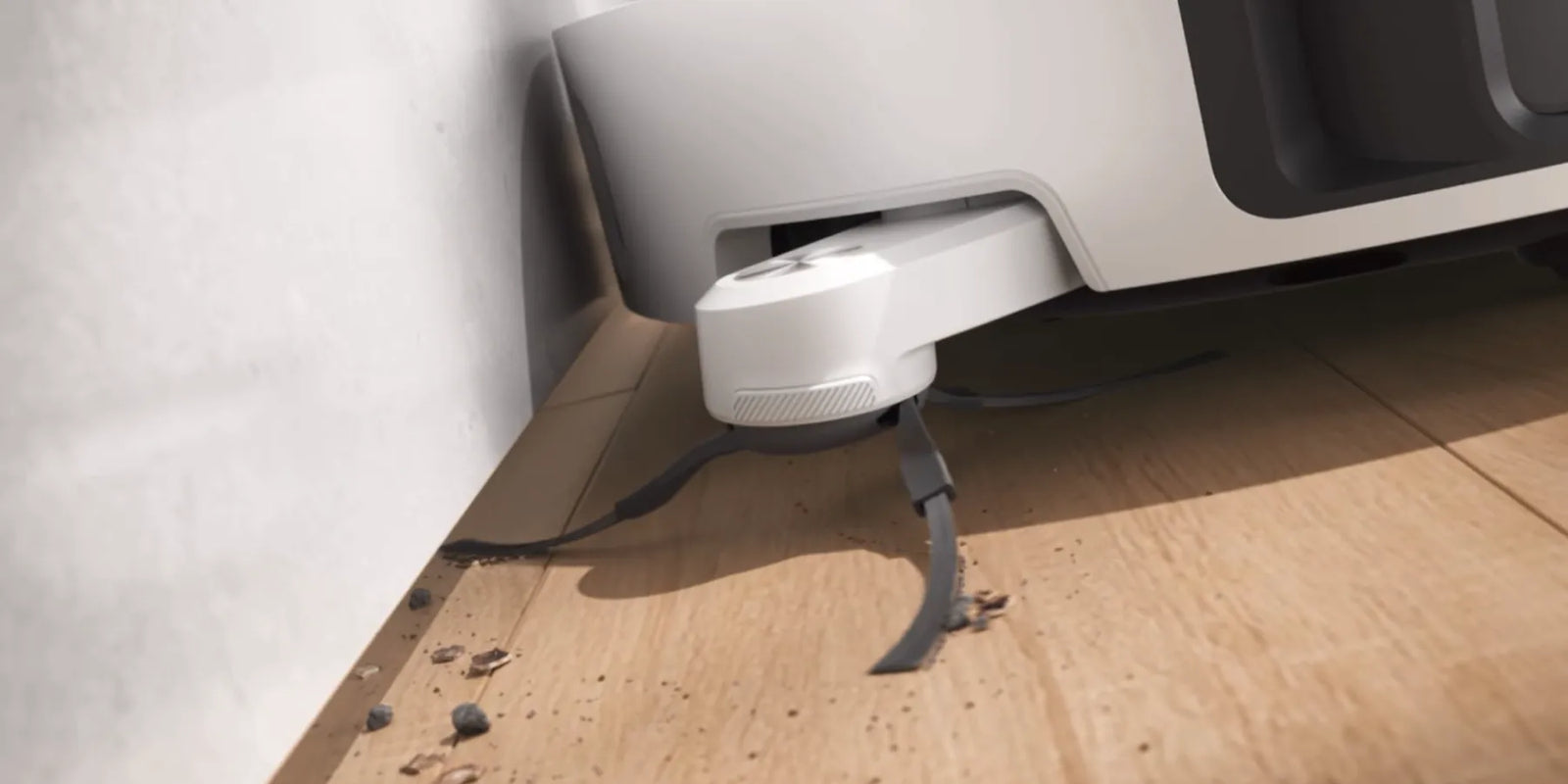
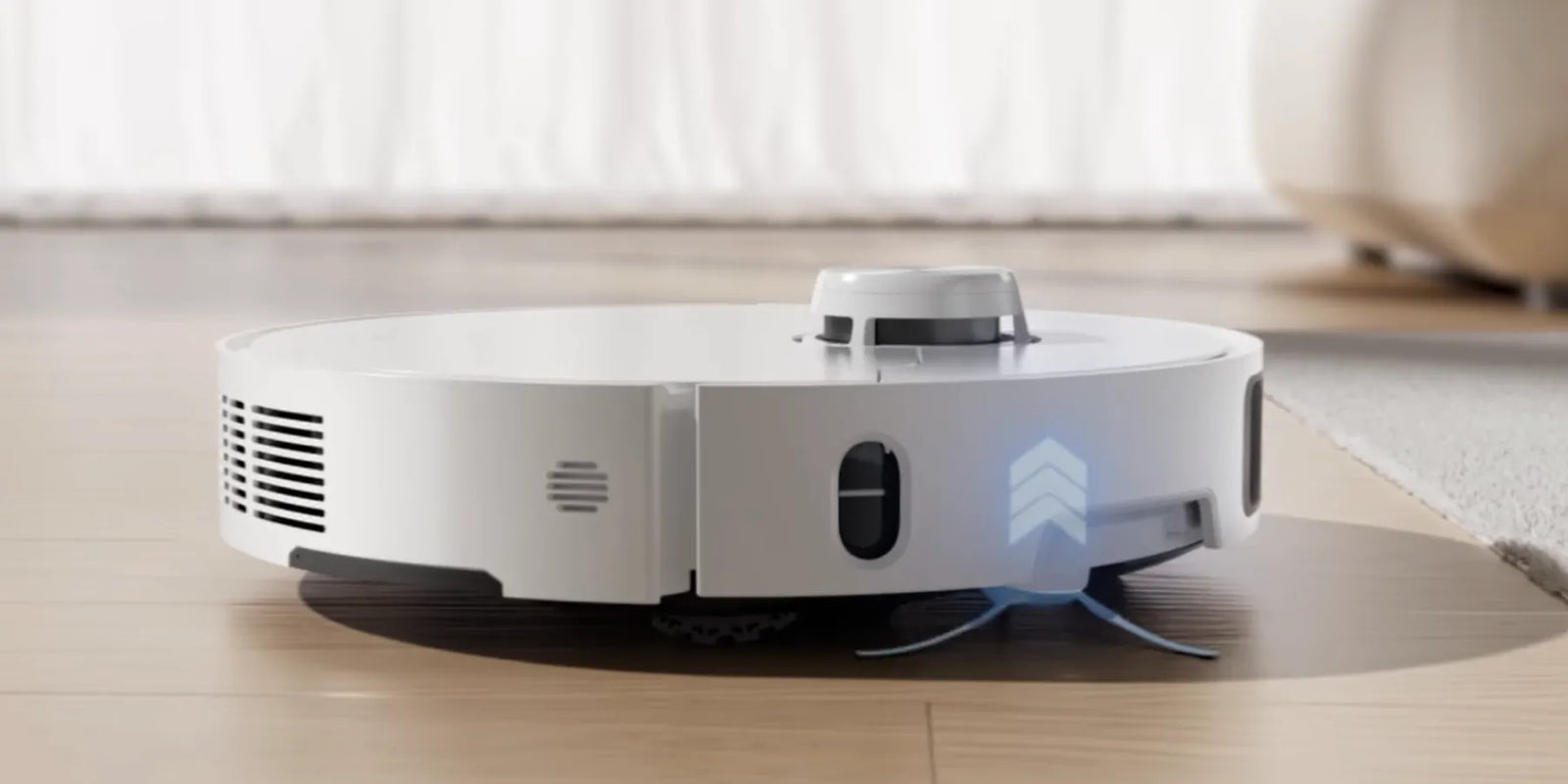
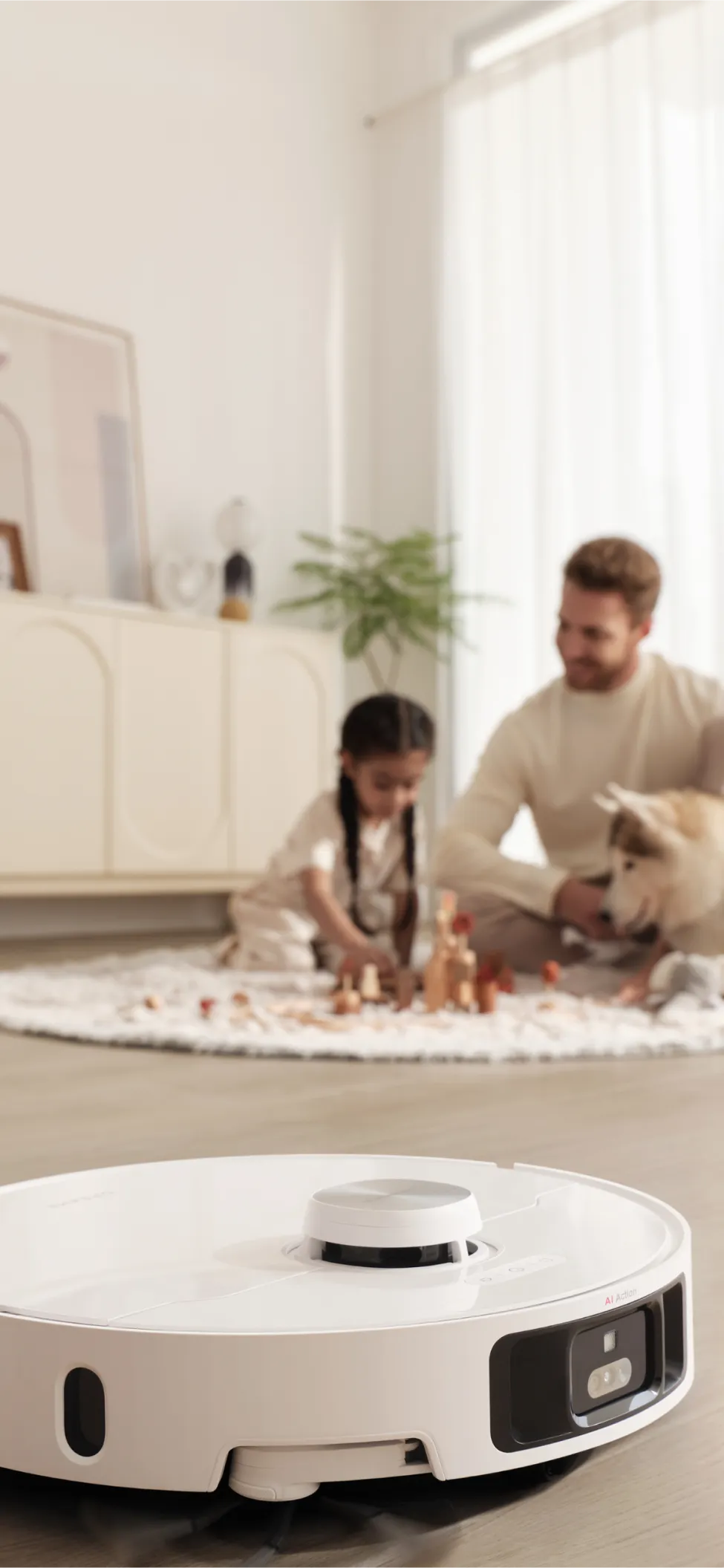
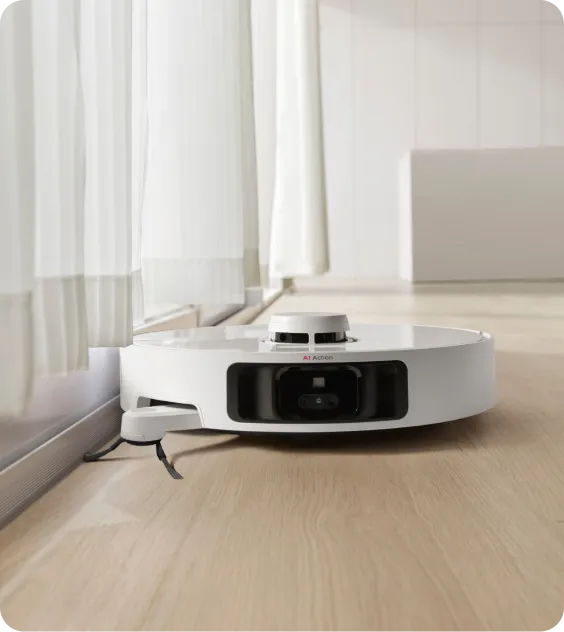
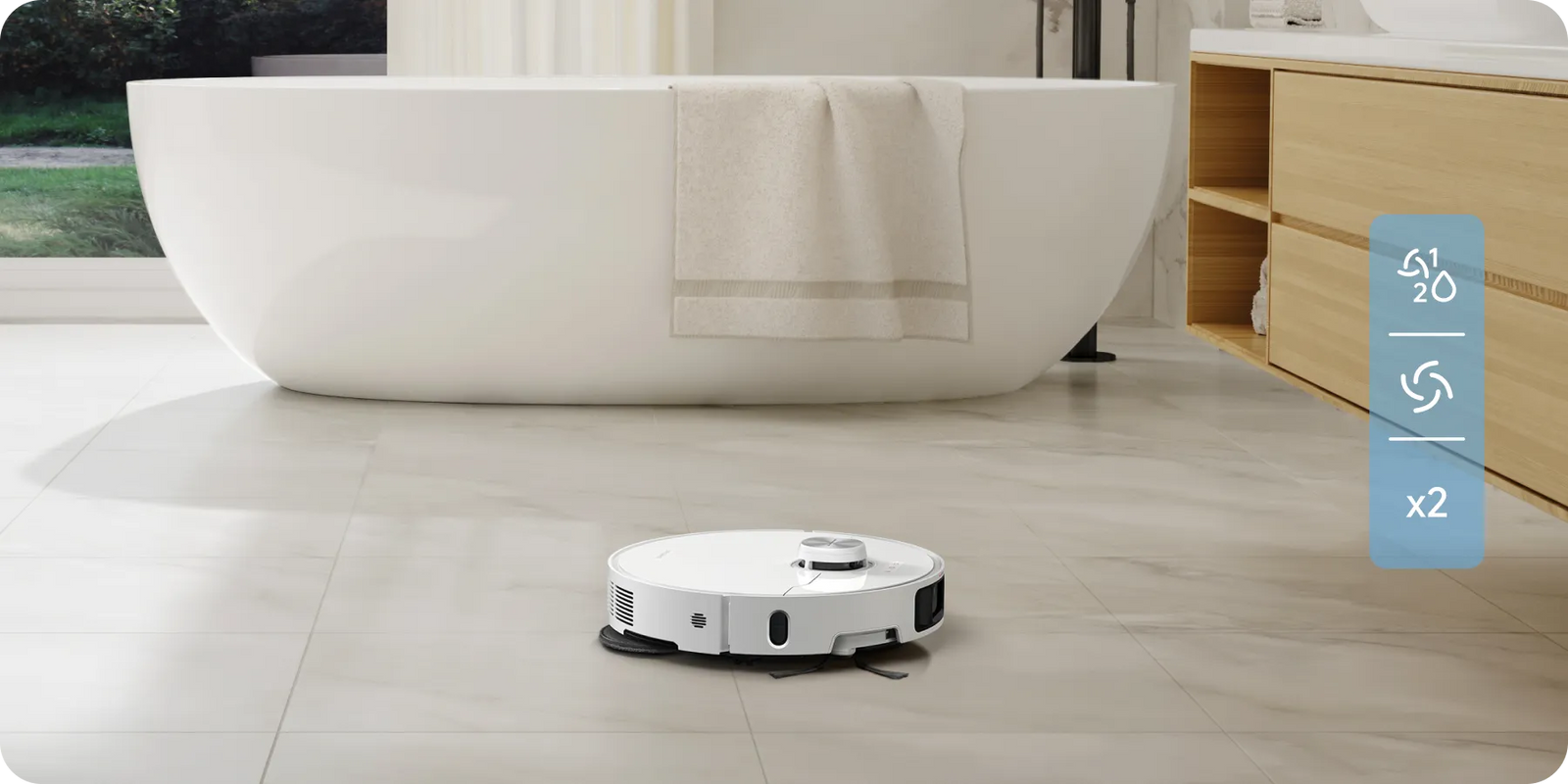
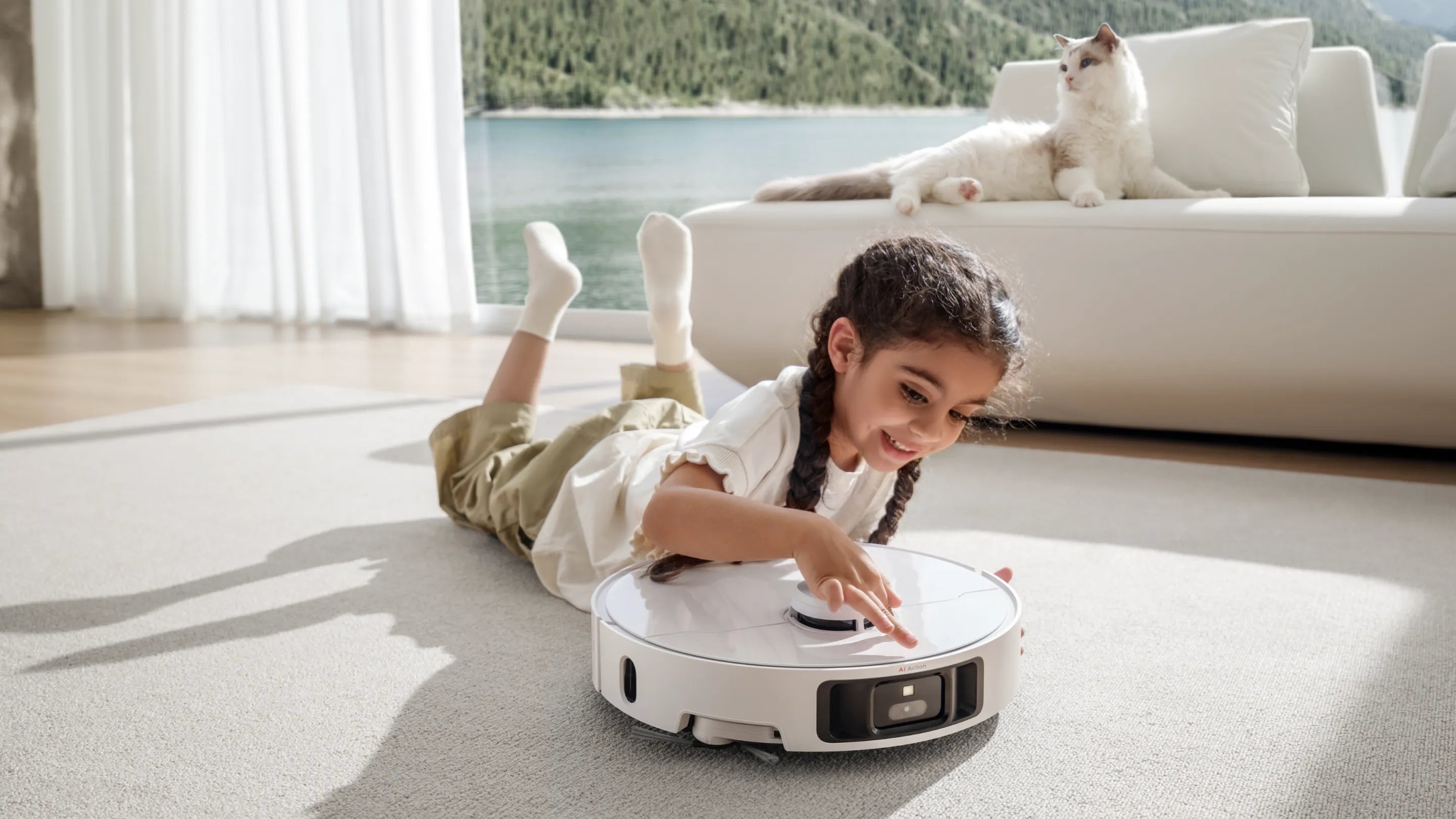
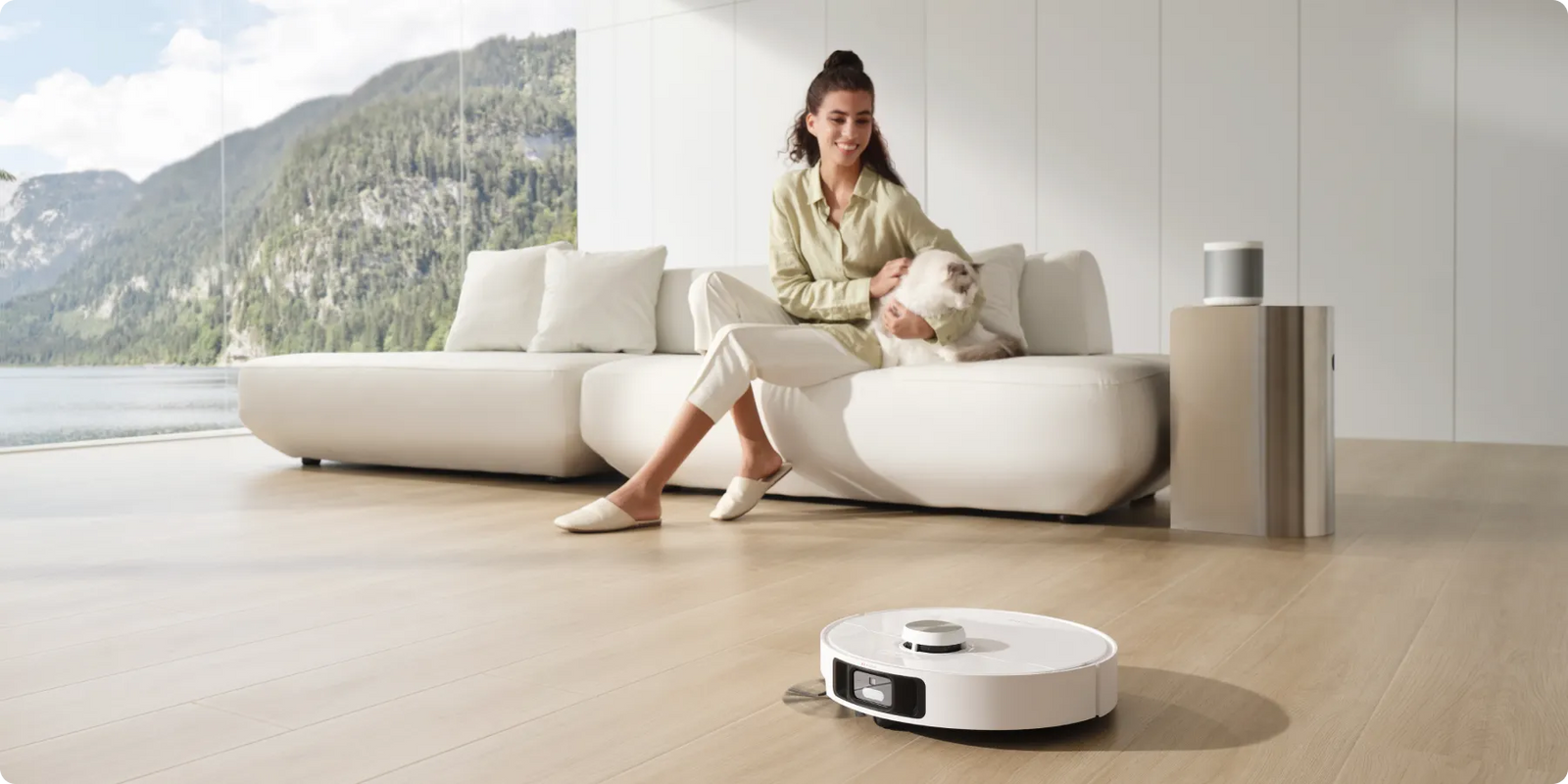
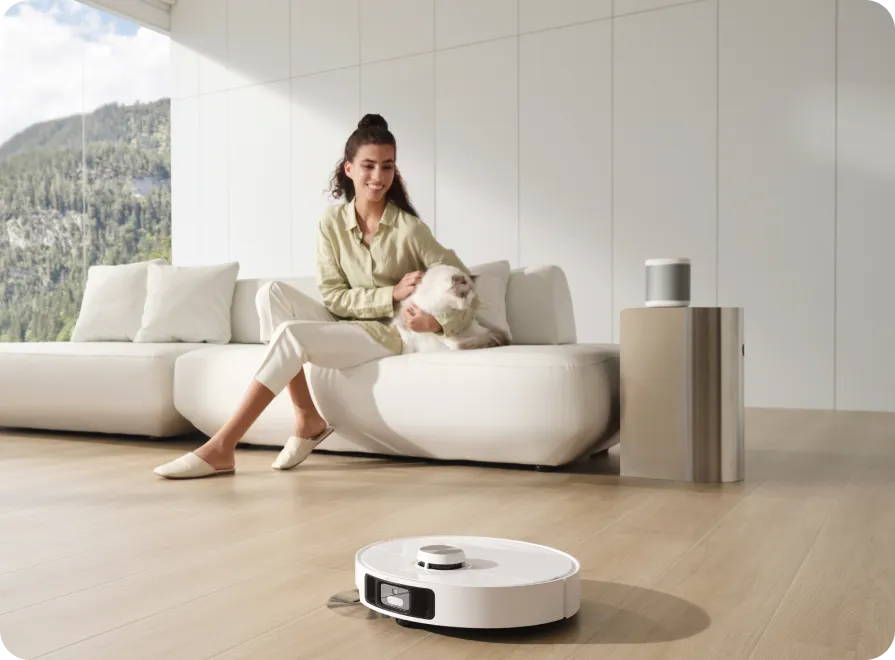
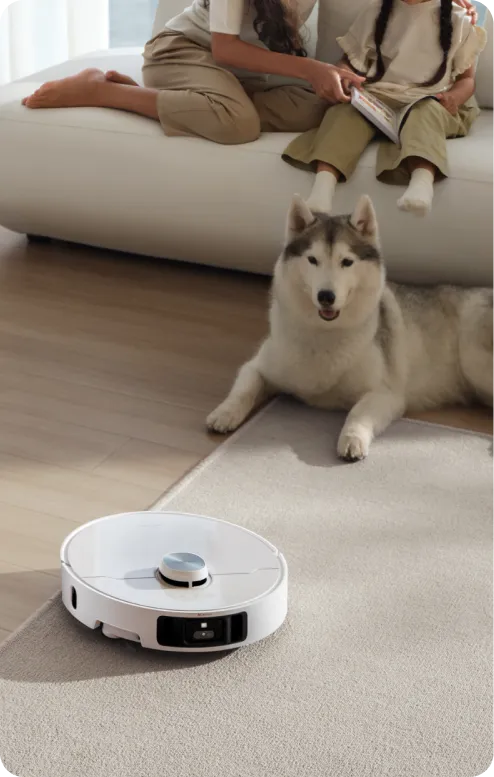
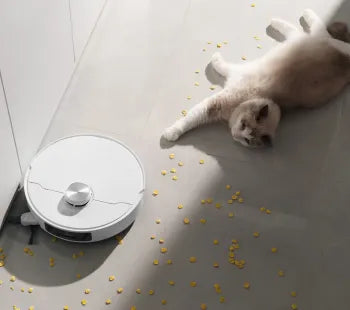
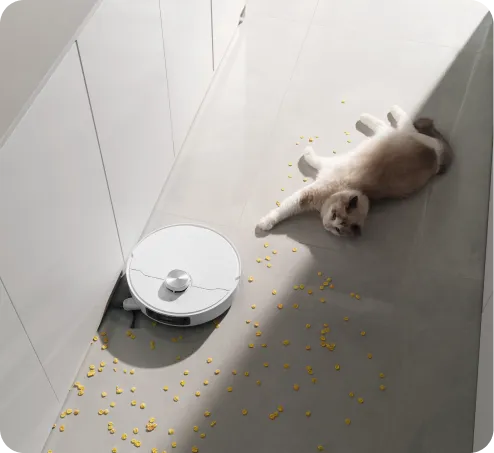
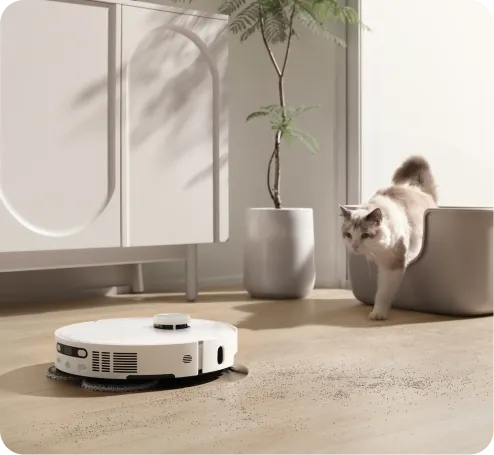
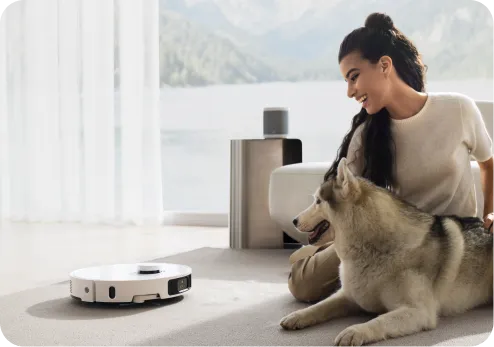
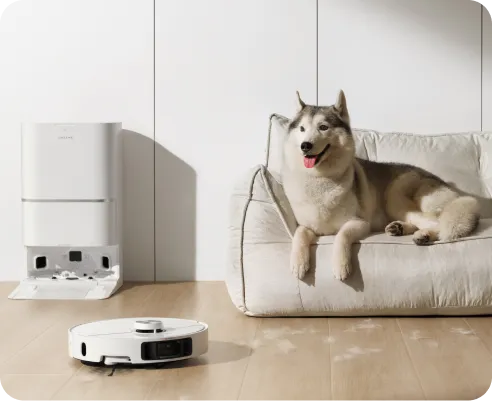
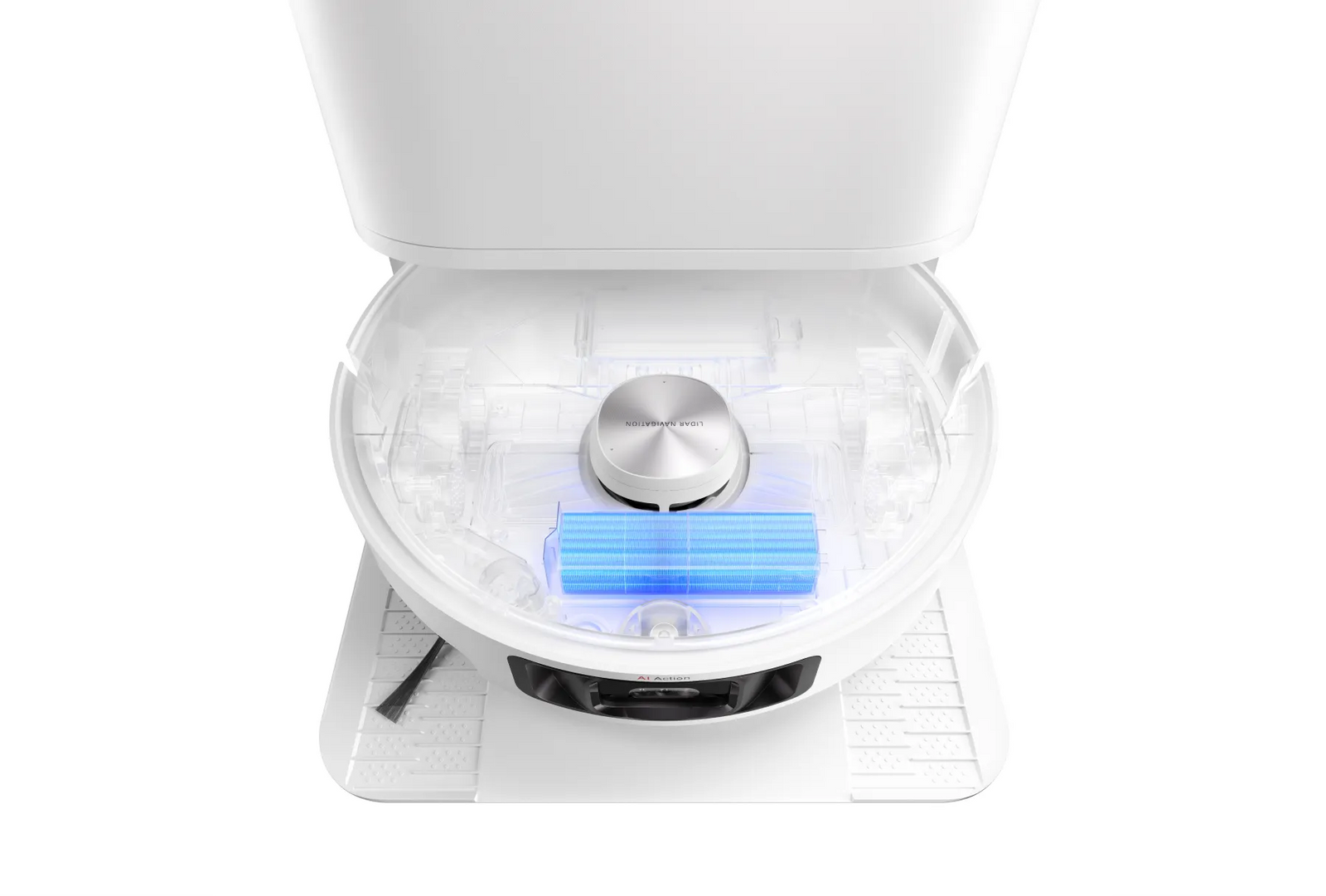
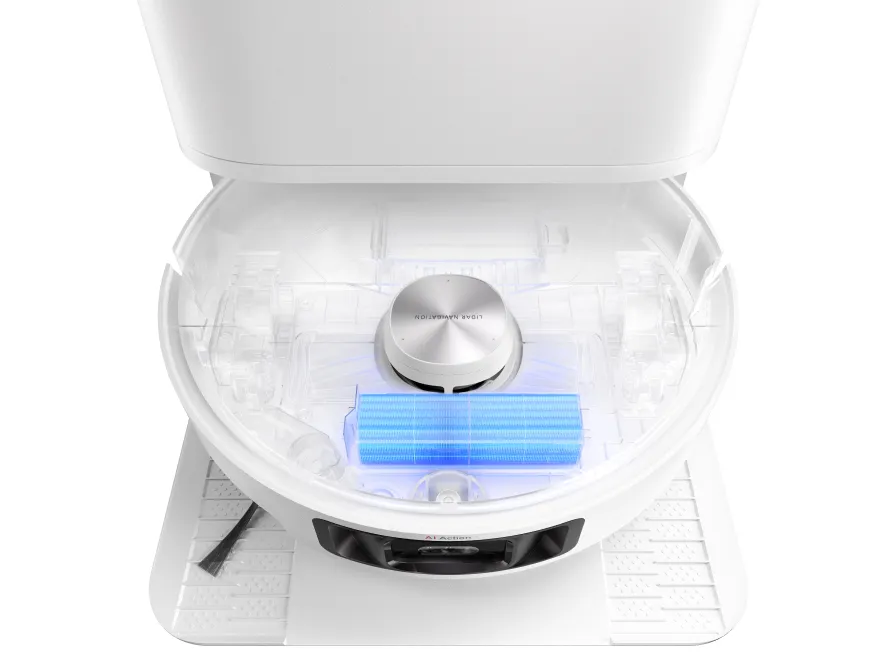
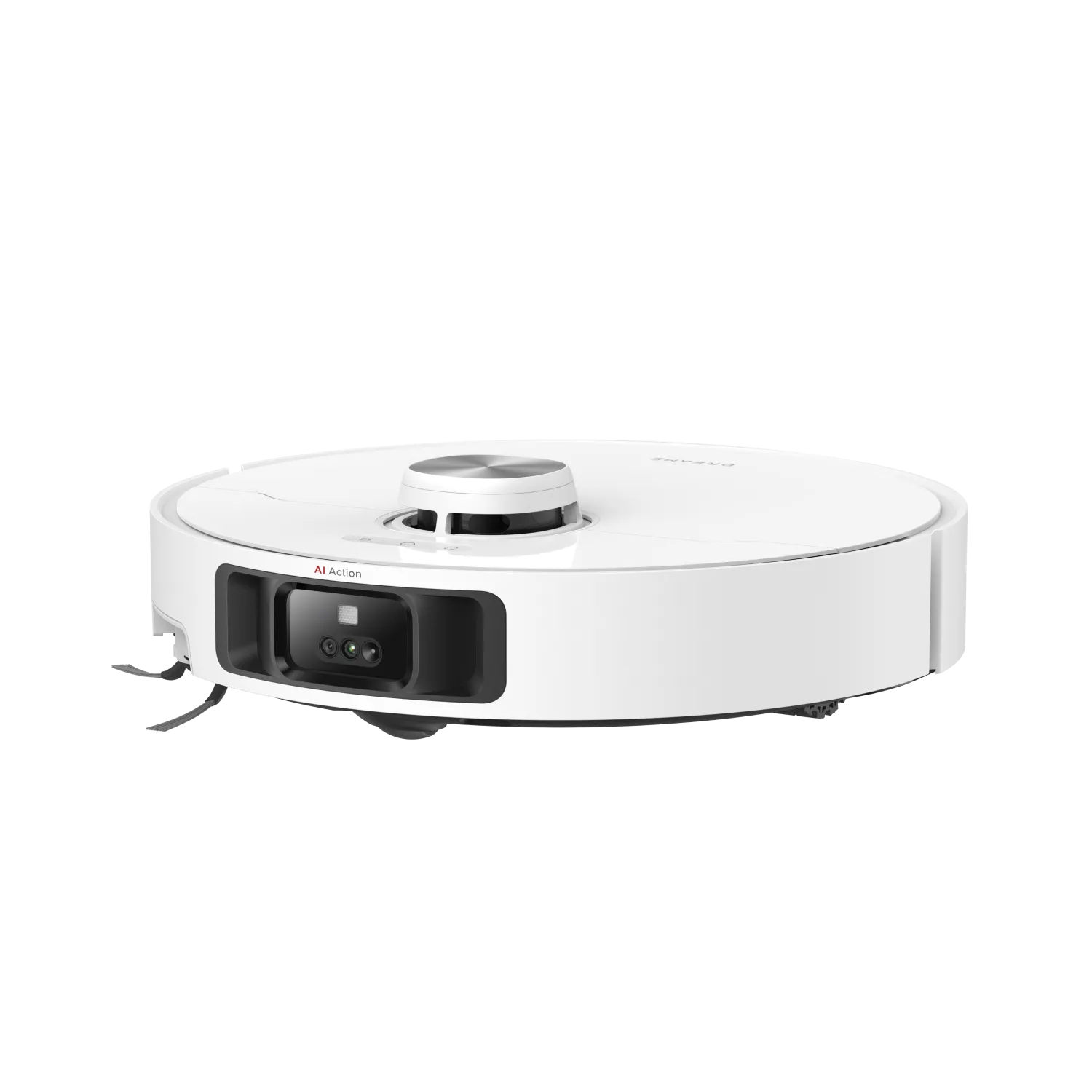
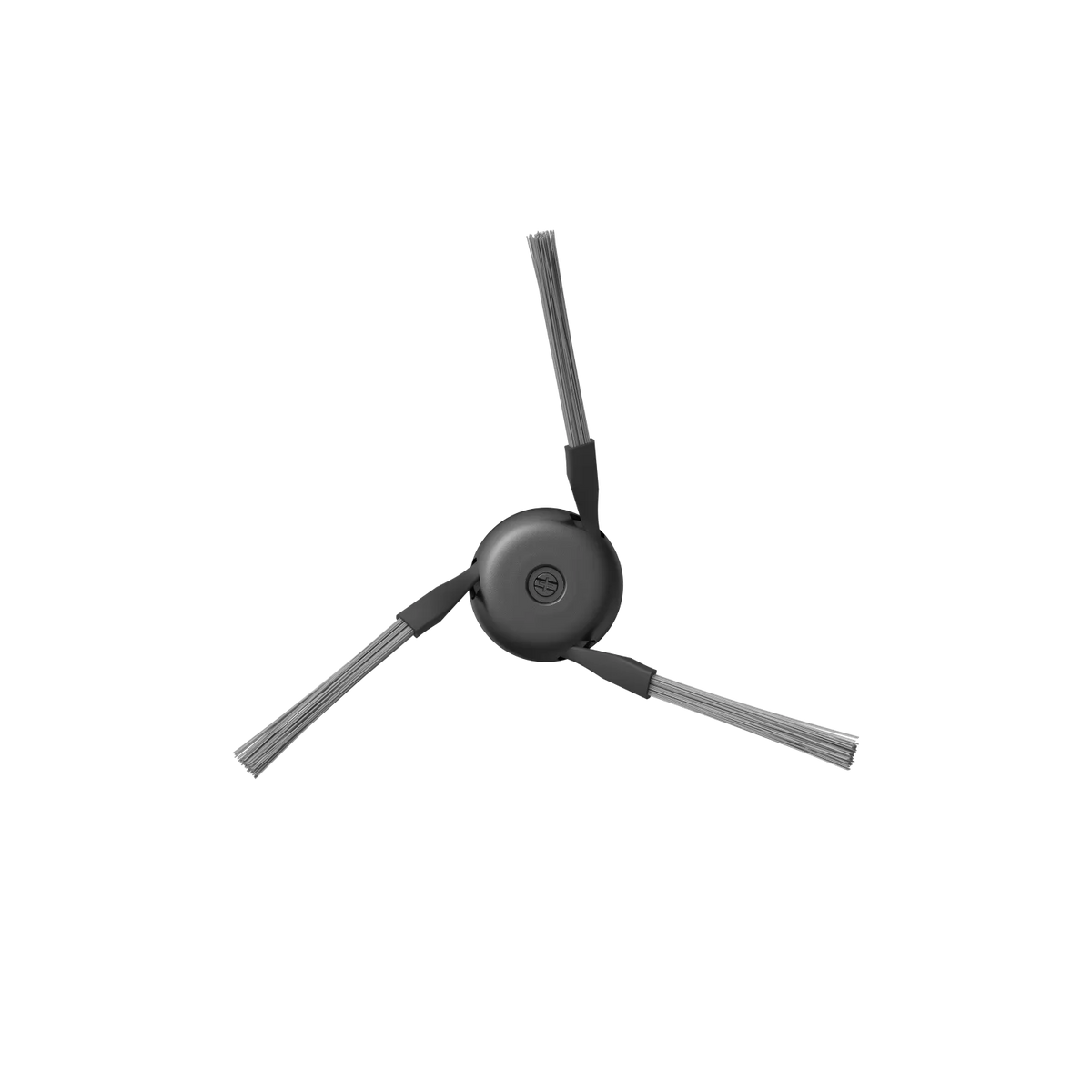
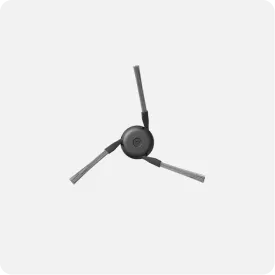
The extendable side brush gets deep into hard-to-reach places like tight corners and
around furniture legs, picking up hair, crumbs, dirt, and other debris to refresh your home.
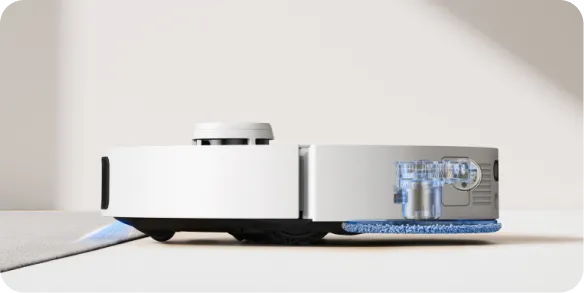
1.57INCH Under Furniture
Thorough Touch. Expanded Cleaning.
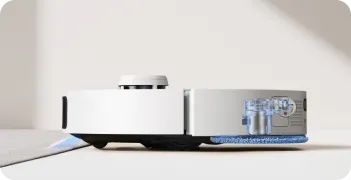
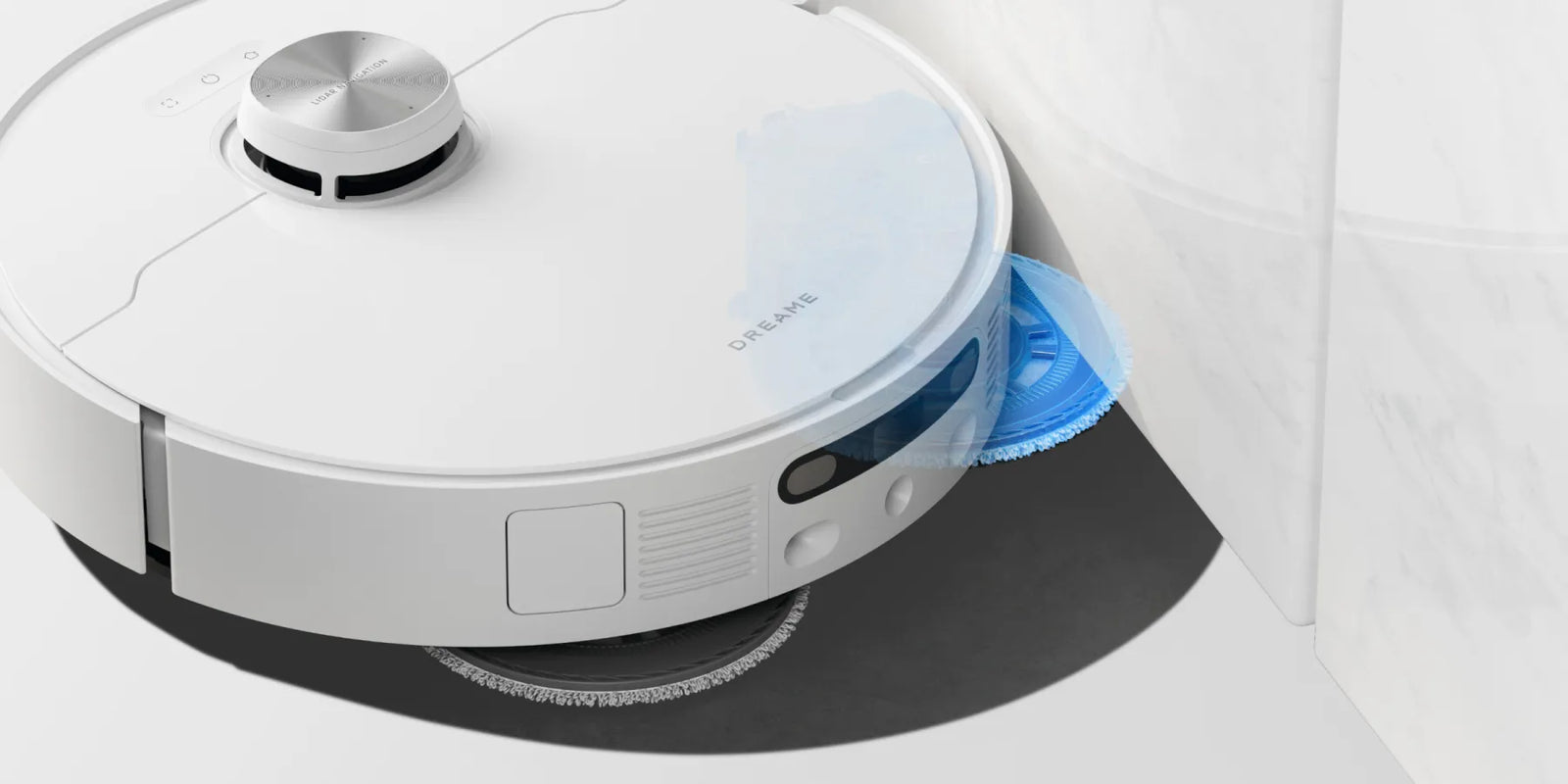
With MopExtend™ RoboSwing technology, L40 Ultra smoothly deals with messes in tight
spaces like corners and beneath low-profile furniture, reaching up to 4cm (1.57in)* deep.
*4cm (1.57in): Based on a calculation derived from environment testing in Dreame Lab.
Actual performance may vary depending on the real-vvorld environment and usage.
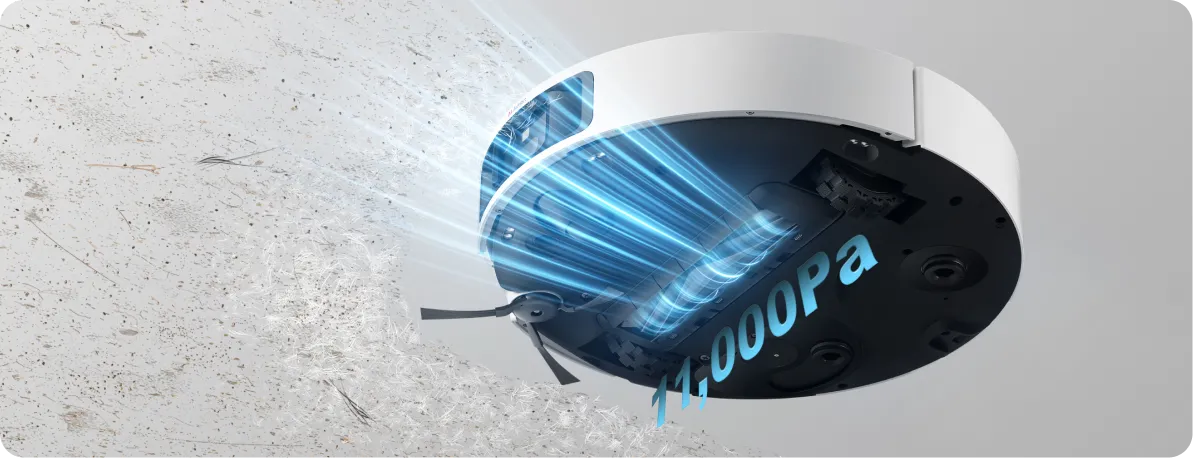
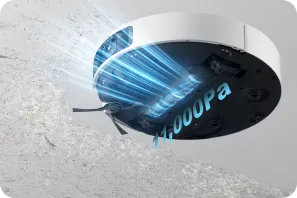
11000Pa Strong Suction
Strong Suction for a Powerful Pickup
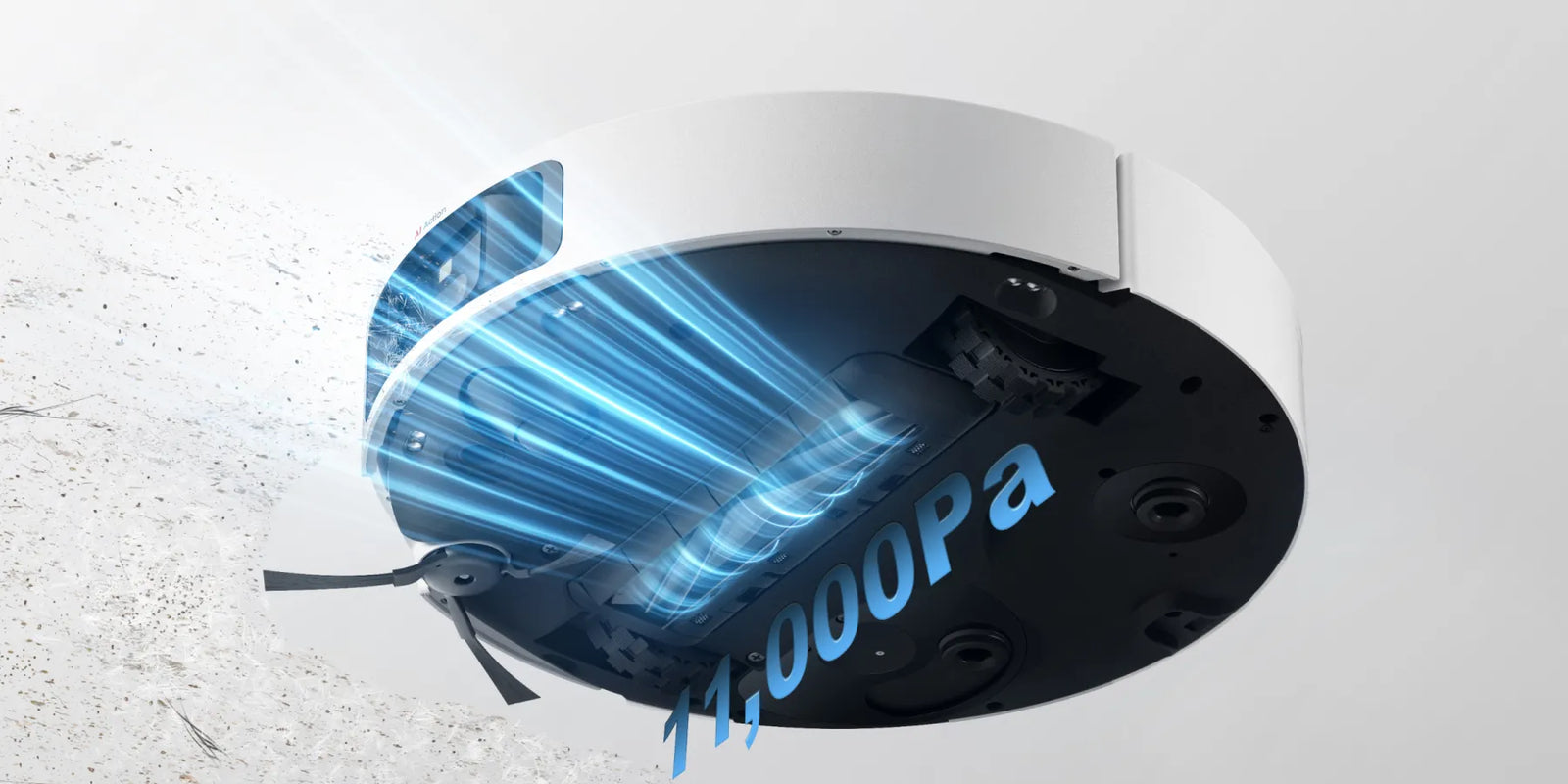
Relish the power of 11,000Pa* suction, lifting pet hair, dirt, and debris from hard floors
and carpets. Select one of the five suction levels** that best fits your living space.
*11,000Pa: Based on tests in Dreame Lab. Actual performance may vary depending on usage.
**5-level: Quiet/Standard/Strong/Turbo/Max (Only available in Vacuum and Mop after Vac Mode)
0% Hair Tangle Rage
Easier to Deal with Tangles
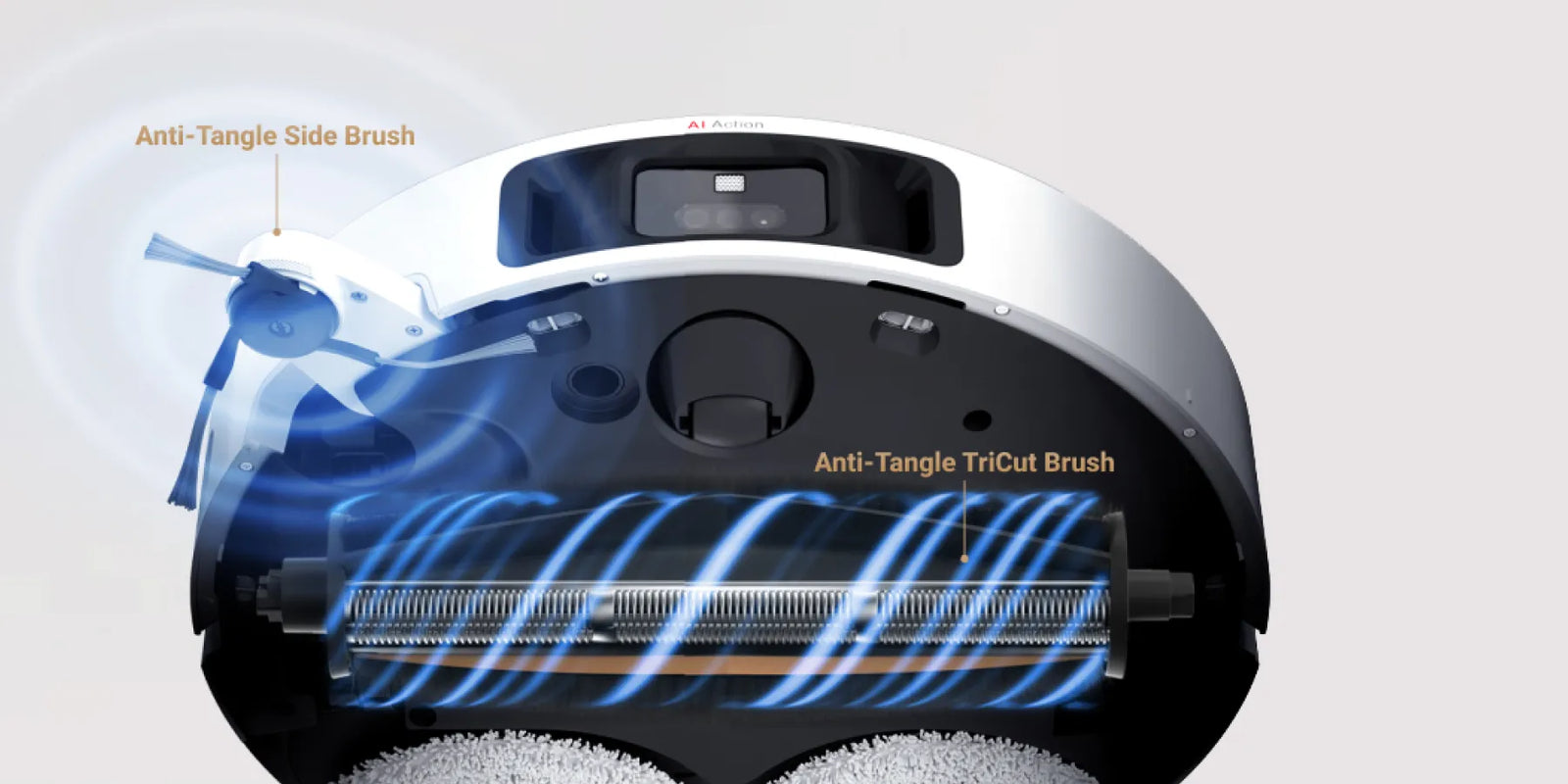
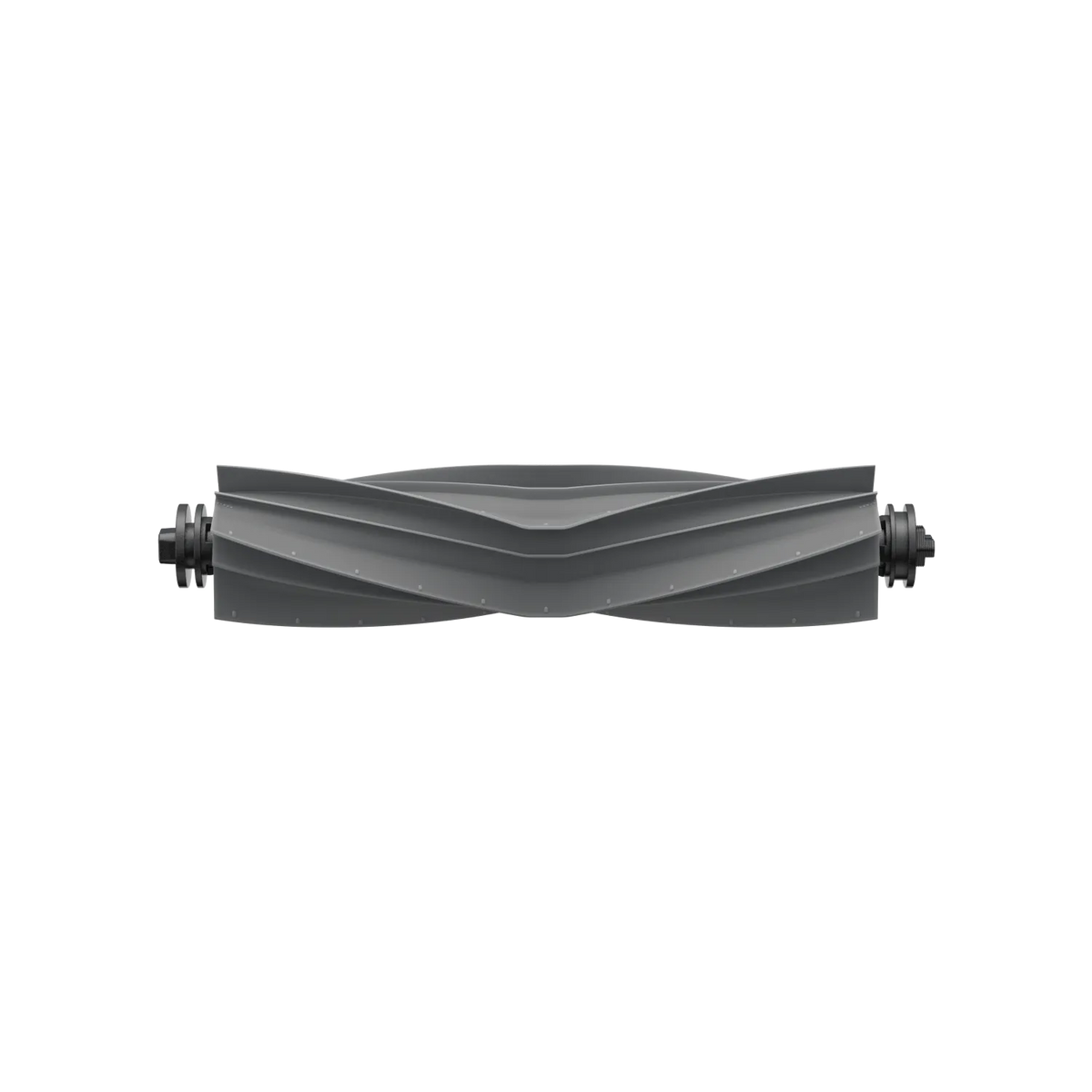
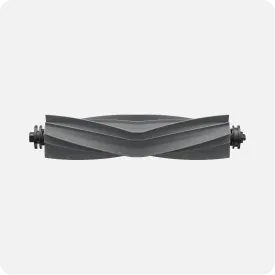
The anti-tangle TriCut brush (purchase separately) avoids clogs by quickly rerouting hair to the dust box,
reducing cleaning time.
10mm Mop&side
brush lifting
Seamless Cleaning with a Liftable Side Brush
L40 Ultra's side brush rises over 0.39in (10mm), working with the mop and main brush to
separate wet and dry cleaning tasks. The robot vacuum smoothly switches between carpets
and floors, preventing mess crossover while sweeping and mopping.*10mm (0.39in): Based on tests in Dreame Lab. The lifting heighit is defined as the distance
between the top of the brush bristles and the ground after the side brush has been lifted.
Spotless Carpets – Fewer Worries
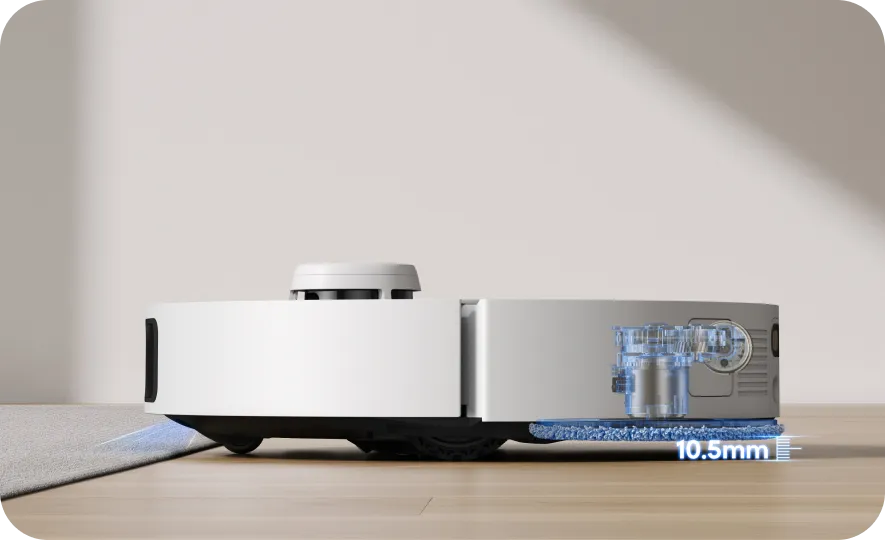
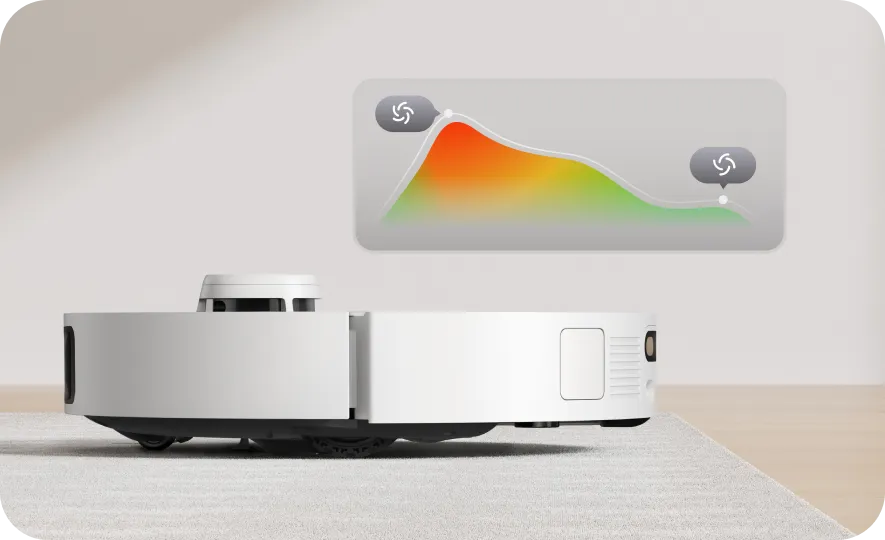
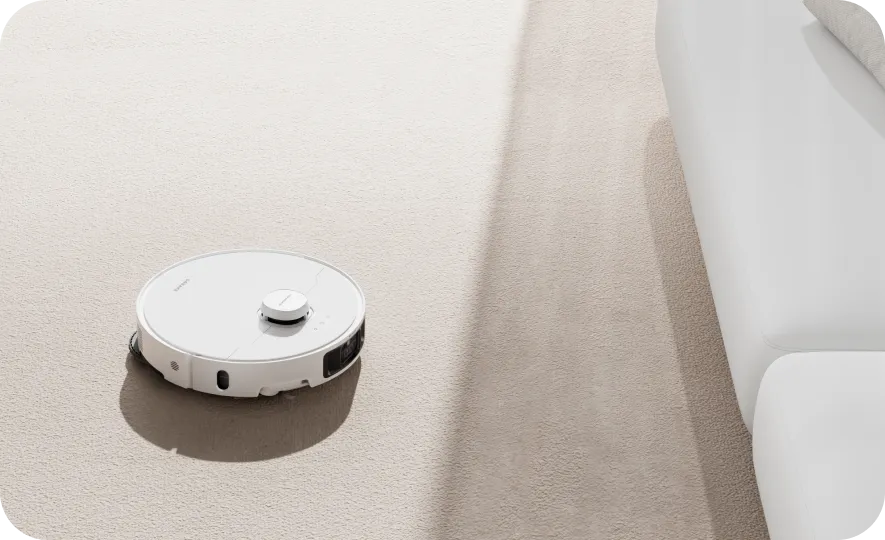
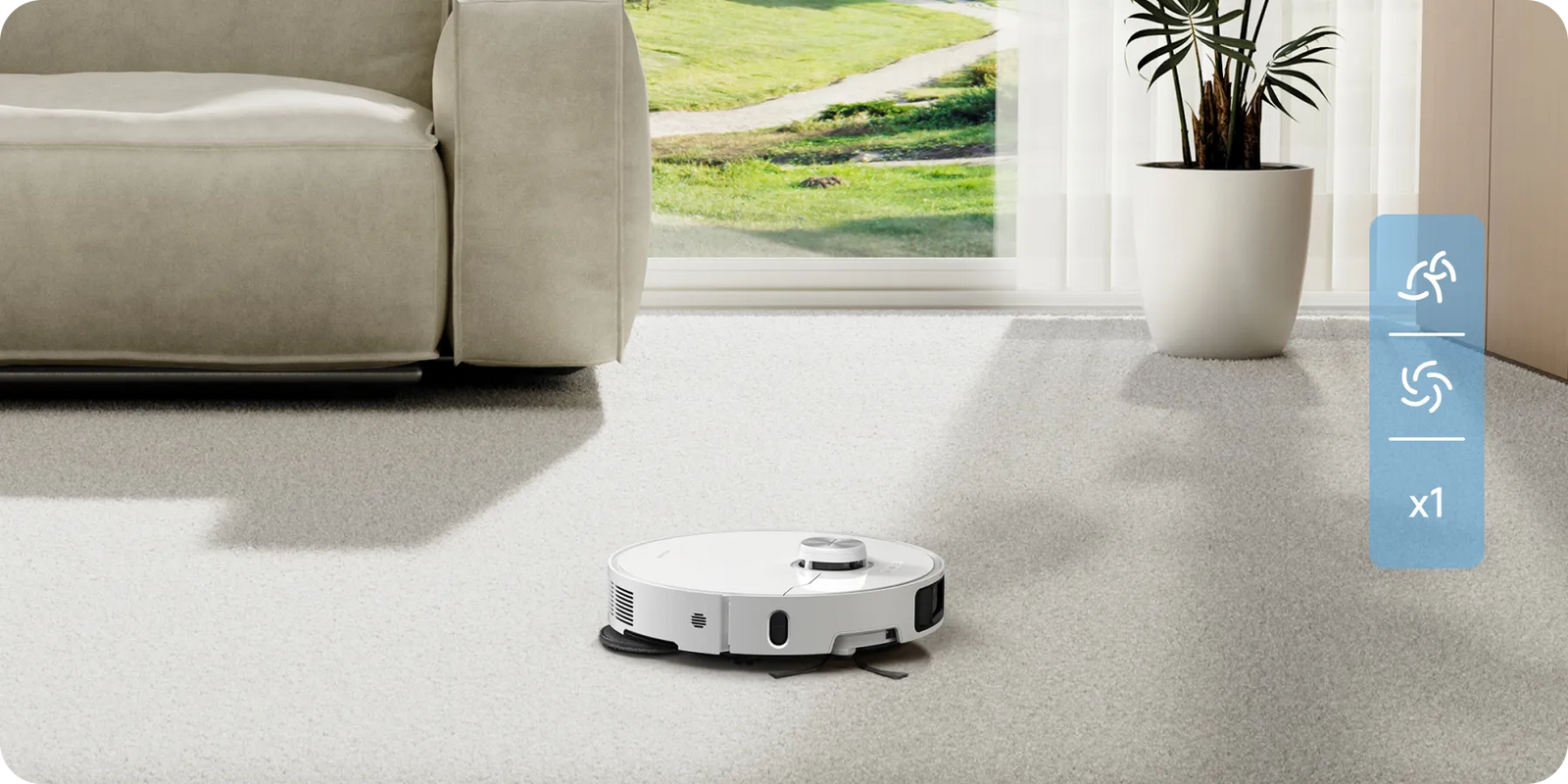
L40 Ultra protects carpets from moisture by removing or lifting mops to 0.4in(10.5mm)*. You can also set zones to avoid rugs, preventing the vacuum from getting stuck. To deep clean your rug, choose Suction Boost** or Intensive Carpet Cleaning Mode***.
0.4in(10.5mm) Mop Lifting
Mop Removal
Carpet Avoidance
Suction Boost
Intensive Carpet Cleaning Mode
0.4in(10.5mm): The height difference of the robot vacuum is 0.4in(10.5mm) before and after mop lifting. For carpets with piles longer than 3mm(0.12in), we suggest you set the robot vacuum to avoid medium and high-pile carpets via the Dreamehome App and protect your carpets from getting wet.
*Suction Boost: This mode is available in the Dreamehome App. Once the carpet is detected, the robot will clean the carpet with maximum suction power. Not available under quiet suction mode.
**Intensive Carpet Cleaning Mode: Available in the Dreamehome App.
Hands-free Maintainence
Forget about Post-Cleaning
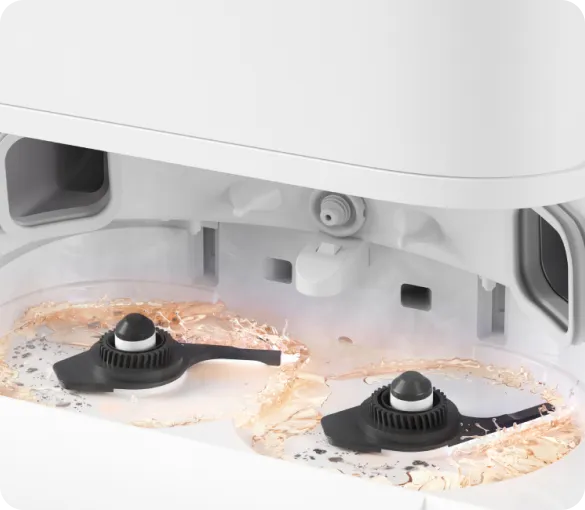
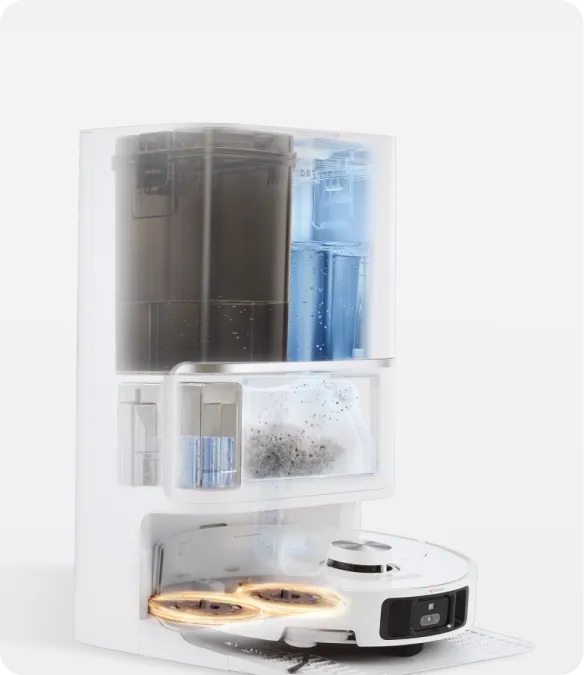
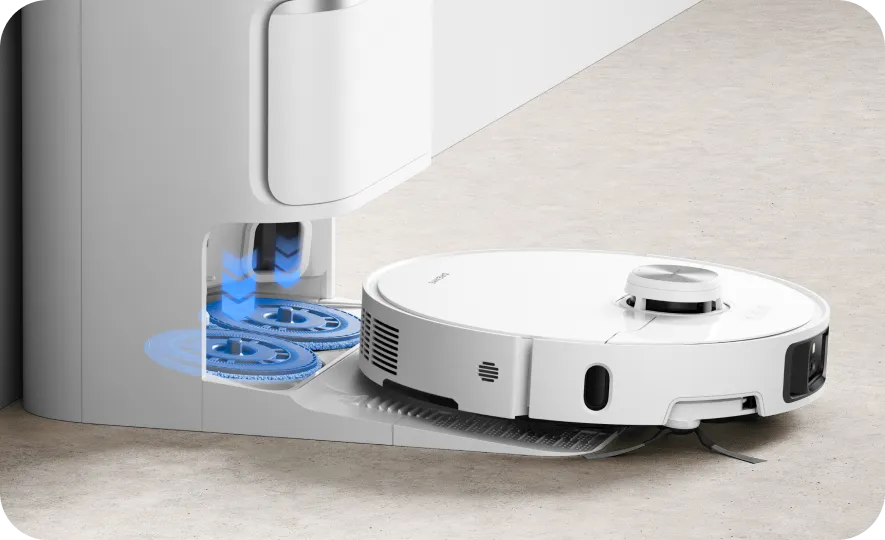
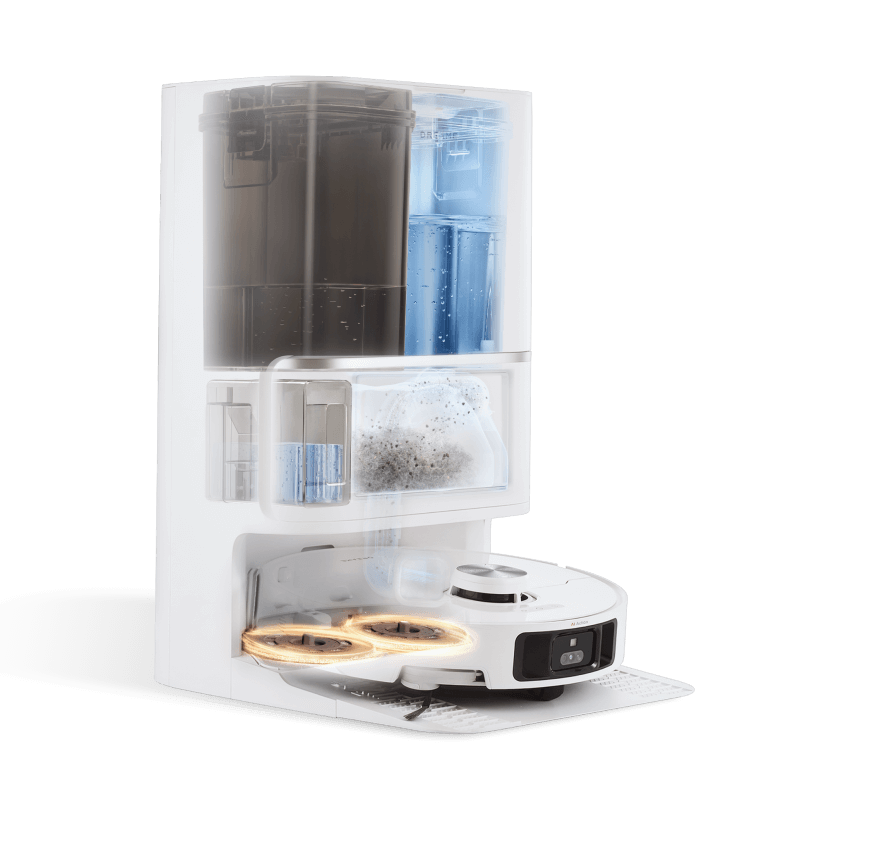
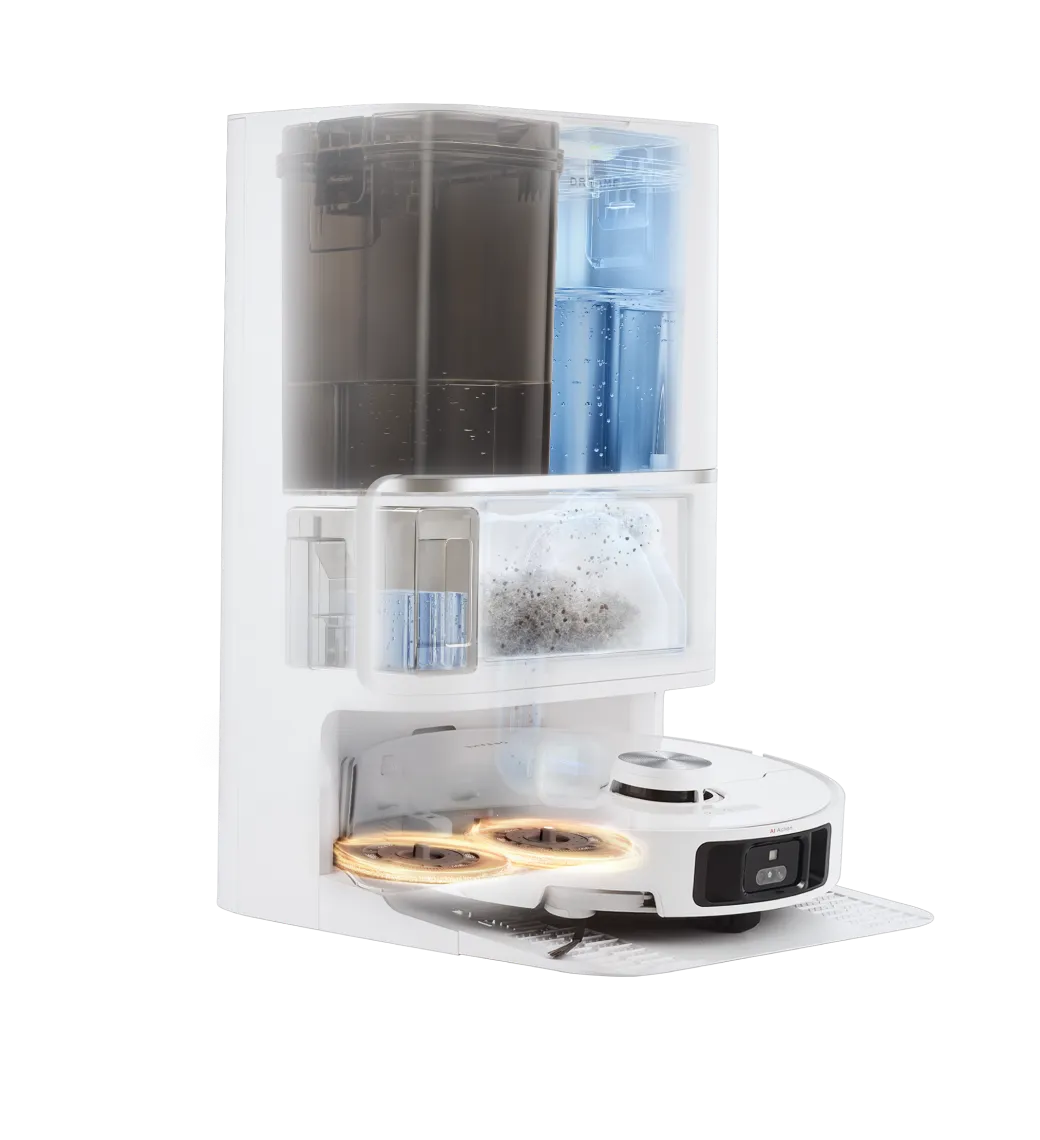
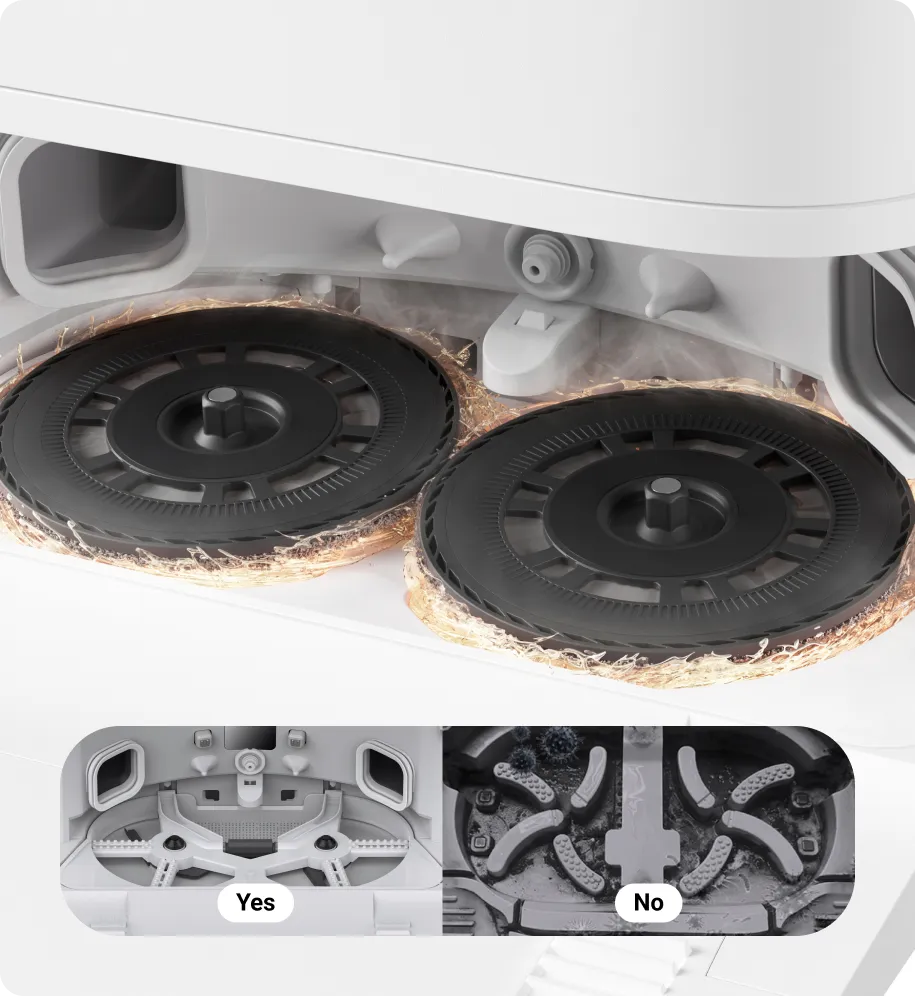
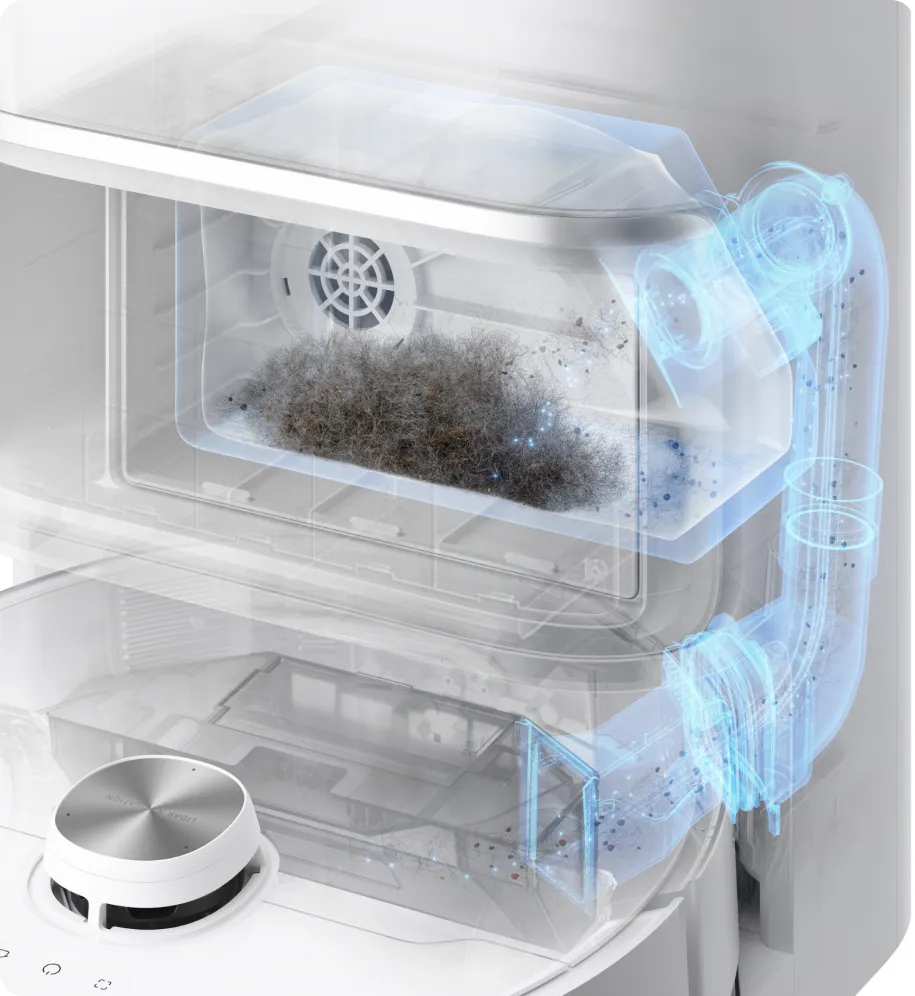
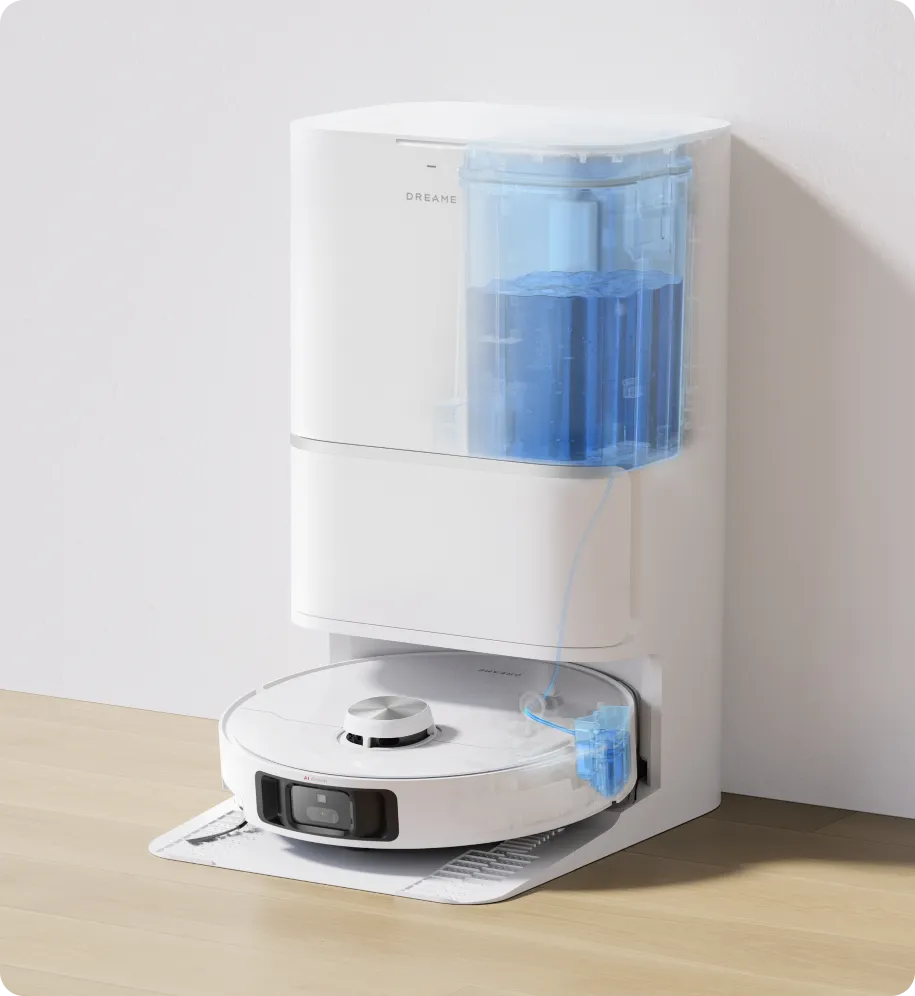
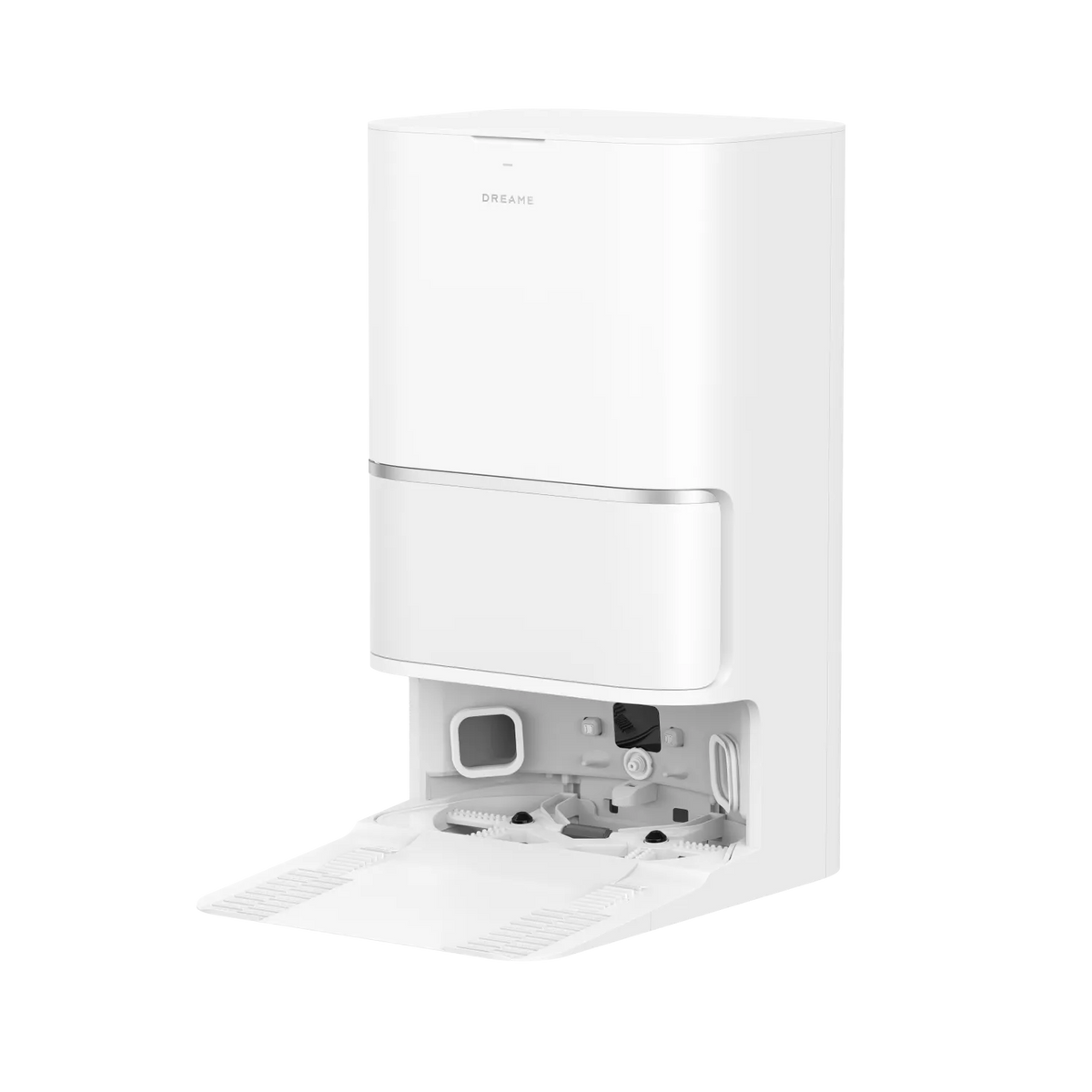
Experience full self-maintenance with L40 Ultra. It auto-empties dirt for up to 75 days*, dries mops with hot air, refills water and solution, and cleans the mop and washboard with (149℉) 65°C** hot water.
75 days: Based on a calculation derived from environment testing in Dreame Lab. Actual performance may vary depending on the real-world environment and usage.
*(149℉) 65°C hot water: The data comes from Dreame Lab. Based on the standard room temperature environment (about 73.4℉ (23°C)), the water in the water tank after heating, the outlet temperature is up to (149℉) 65°C . Due to the environmental impact of water temperature fluctuations, the actual temperature will be adjusted accordingly.
75 days: Based on a calculation derived from environment testing in Dreame Lab. Actual performance may vary depending on the real-world environment and usage.
*(149℉) 65°C hot water: The data comes from Dreame Lab. Based on the standard room temperature environment (about 73.4℉ (23°C)), the water in the water tank after heating, the outlet temperature is up to (149℉) 65°C . Due to the environmental impact of water temperature fluctuations, the actual temperature will be adjusted accordingly.
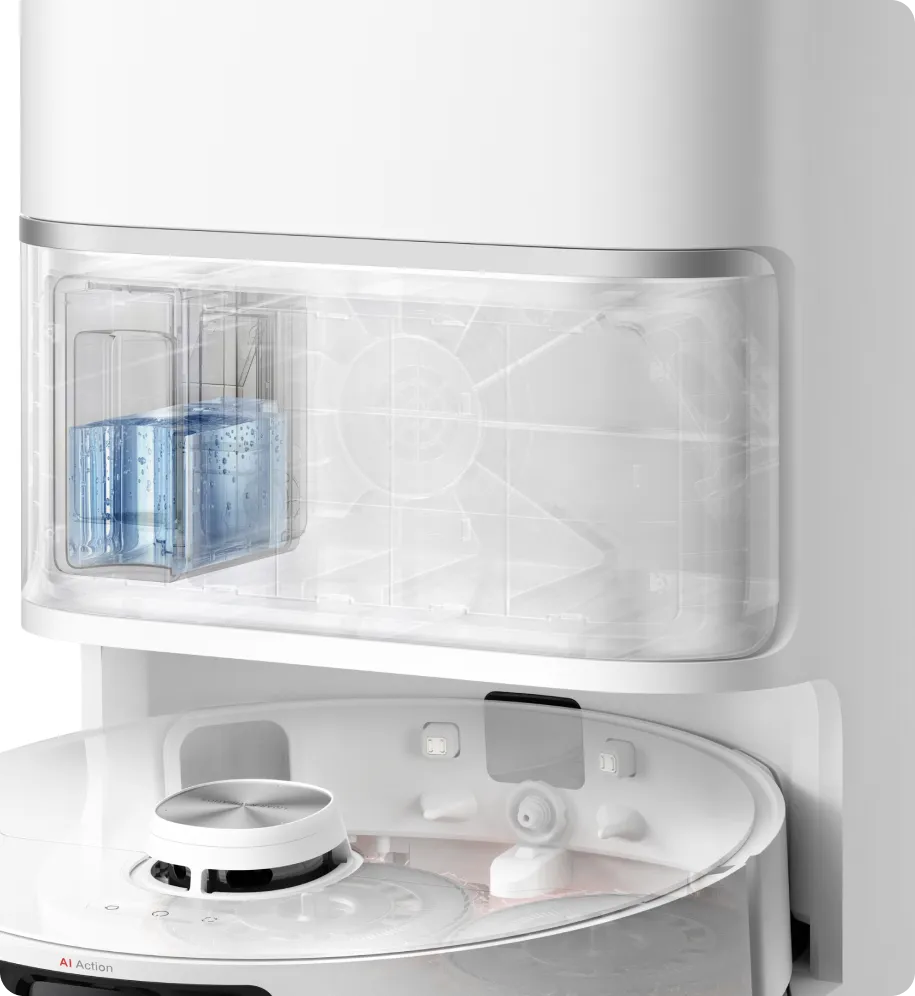
L40 Ultra utilizes a 4L used water tank, a 4.5L clean water tank, and a specialized cleaning solution to sanitize the mop and washboard with 149℉ hot water, effectively removing stain residues. Pairing this with hot air drying to reduce odors means less work for you.
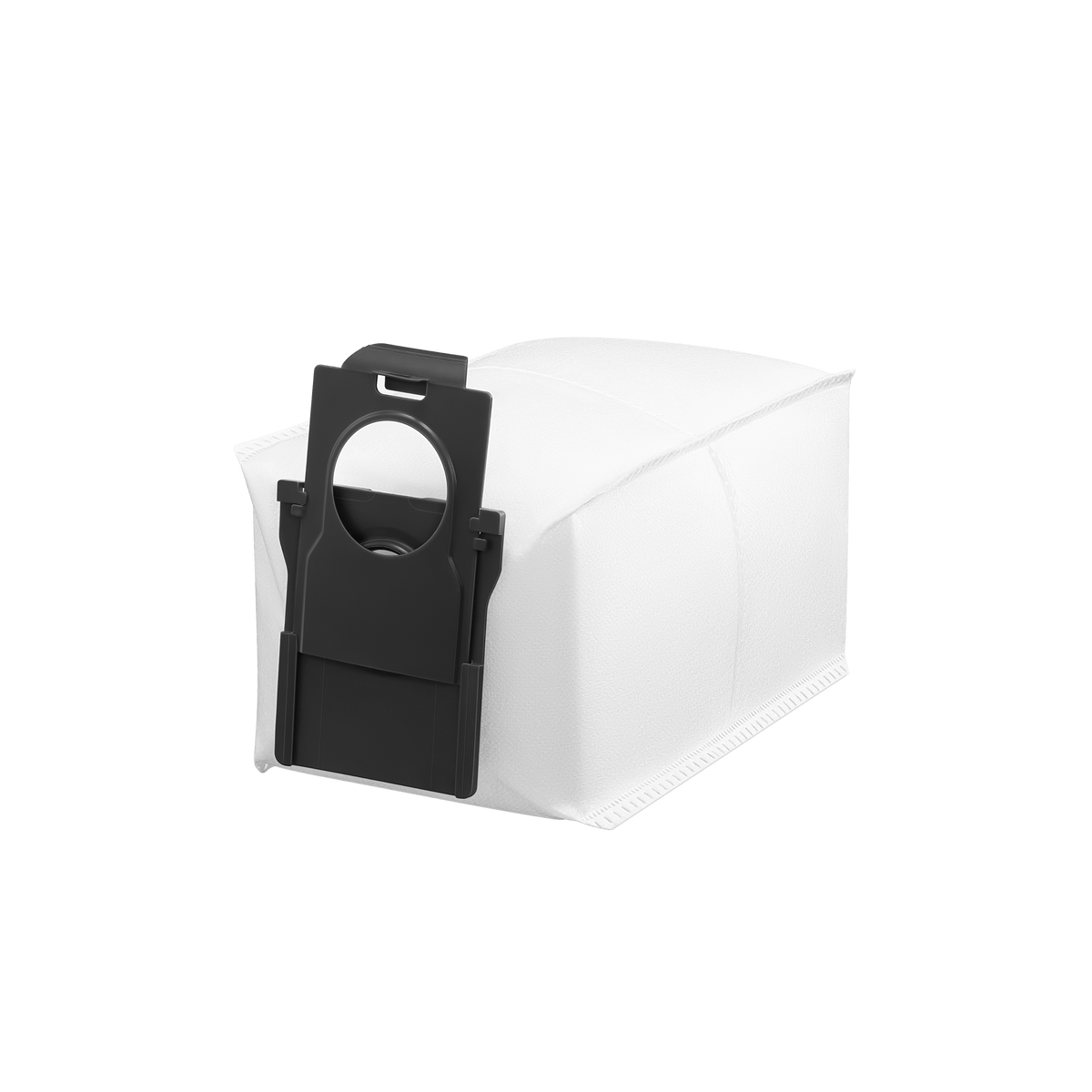
Enjoy automated dust emptying for up to 75 days* with a generous 300mL dust box and an ample 3.2L dust bag.
75 days: Based on a calculation derived from environment testing in Dreame Lab. Actual performance may vary depending on usage.
L40 Ultra consistently refills water, keeping mops wet and minimizing the need to carry heavy tanks.
L40 Ultra refills cleaning solution for mopping while keeping floors tidy. This robot vacuum ensures consistently wet mops, reducing the need for frequent solution changes and manual intervention during its upkeep.
Smart Cleaning Strategy
Eliminate Tough Stains with
OmniDirt™ Detection Technology*
The intelligent RGB camera, 5-channel color sensing, and smart dirt detection system team up to tackle challenging messes like oil or sauce on hard floors. L40 Ultra detects the dirt and performs a slow and detailed mopping**, with the side brush lifting to prevent the spread of messes on floors and carpets.
OmniDirt Detection Technology: This feature is turned off by default and is only active in CleanGenius™ Mode.
*Detailed mopping: Mopping with the speed of 0.1m(3.93in)/s. The data comes from Dreame Lab.
Floor Remopping and Mop Rewashing* for Doubled Cleanliness
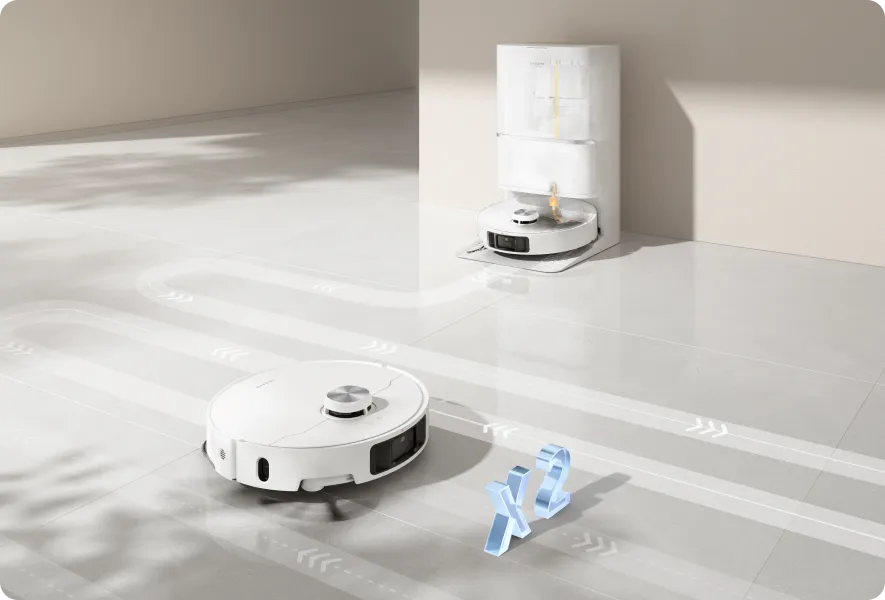
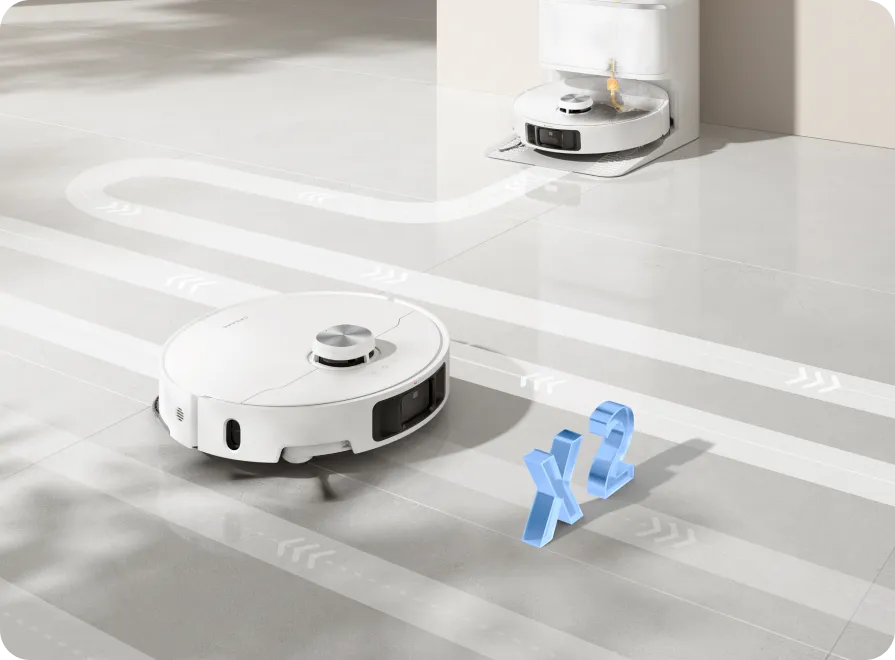
The turbidity sensor measures used water dirtiness to rewash the mop and continuously remove stubborn stains. After that, L40 Ultra remops the floor, keeping it fresh and shiny.
Mop Rewashing and Floor Remopping: Available once the user sets this function in the CleanGenius™ Mode in the Dreamehome App.
Mop Rewashing and Floor Remopping: Available once the user sets this function in the CleanGenius™ Mode in the Dreamehome App.
Dynamic Water Control
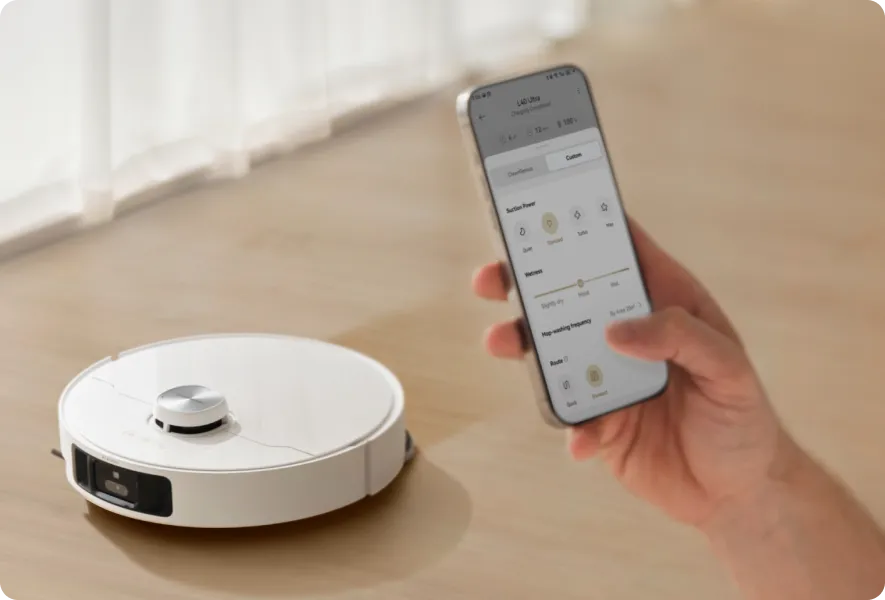
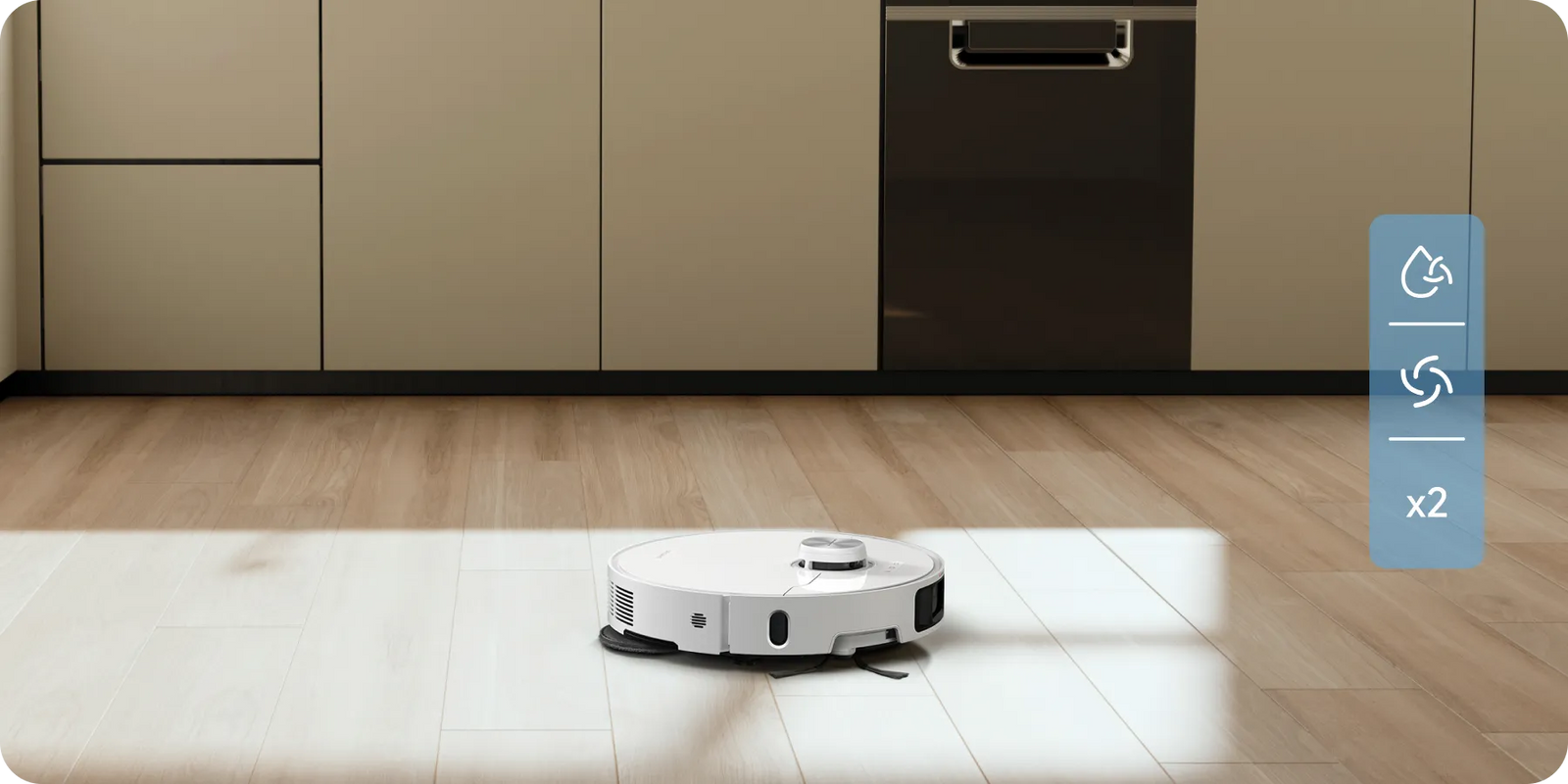
Get rid of streaks after mopping with mop rewashing and floor remopping. Tailor your cleaning with 32 moisture levels in the Dreamehome App.
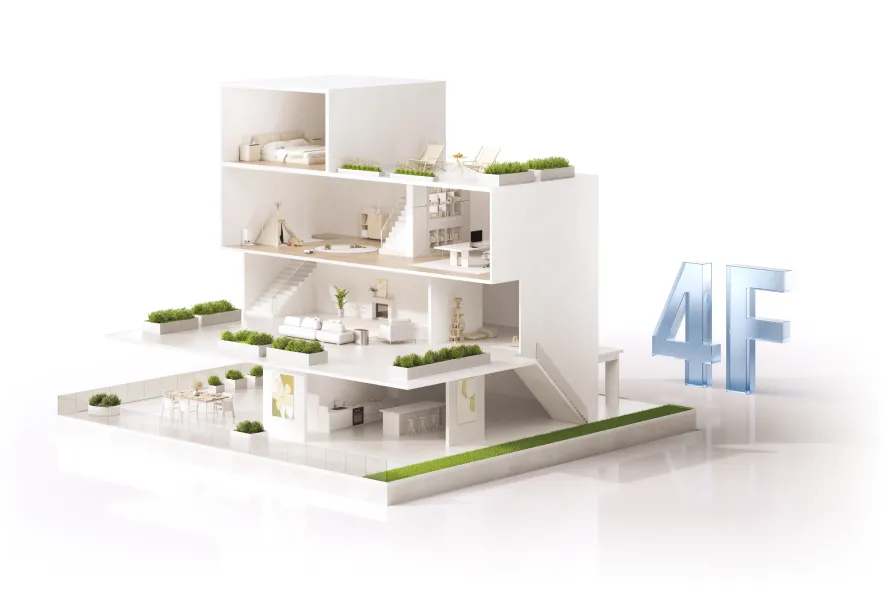
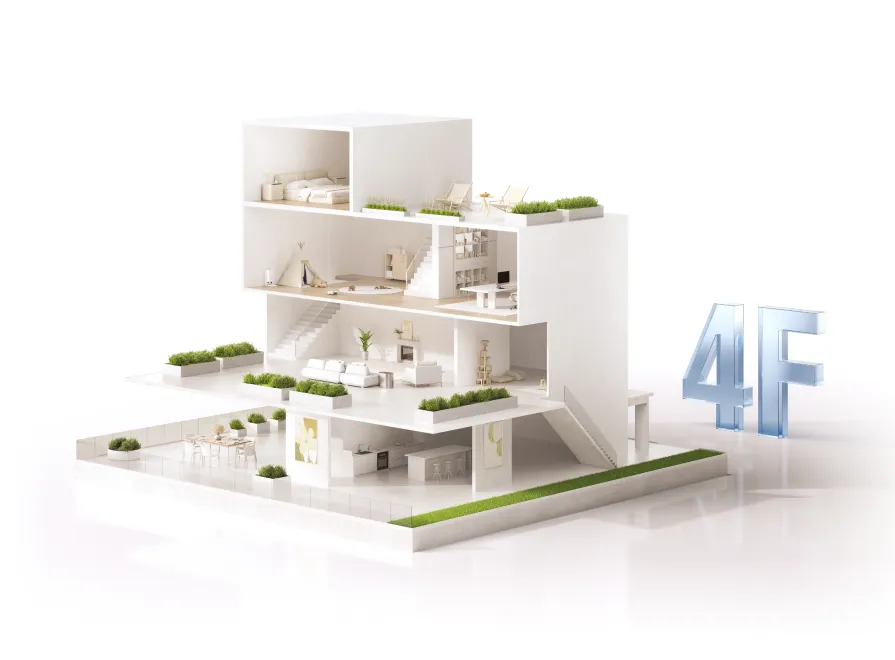
Maps Your Home for Effective Route Planning
L40 Ultra rapidly creates detailed 4-level maps, ensuring large areas of your
home stay pristine.
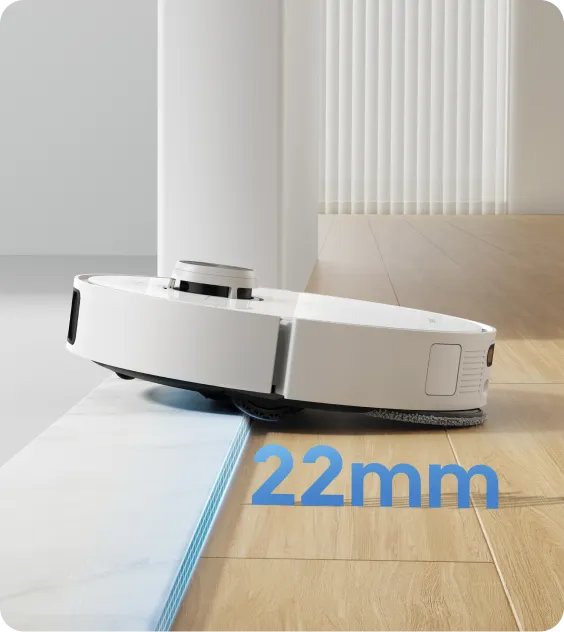
Crossing obstacles up to 0.86in(22mm)*
0.86in(22mm): Based on tests in Dreame Lab.
Handle the Trickiest Spots with Ease
Create no-go zones and choose curtain zone cleaning for optimized route planning. By setting virtual walls or utilizing Curtain Zone Cleaning, L40 Ultra effortlessly avoids bumping into curtains and thoroughly cleans hard-to-reach places.
Navigates in the Dark
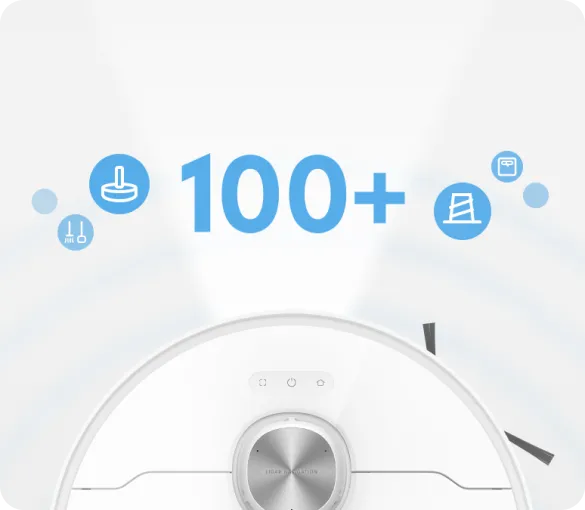
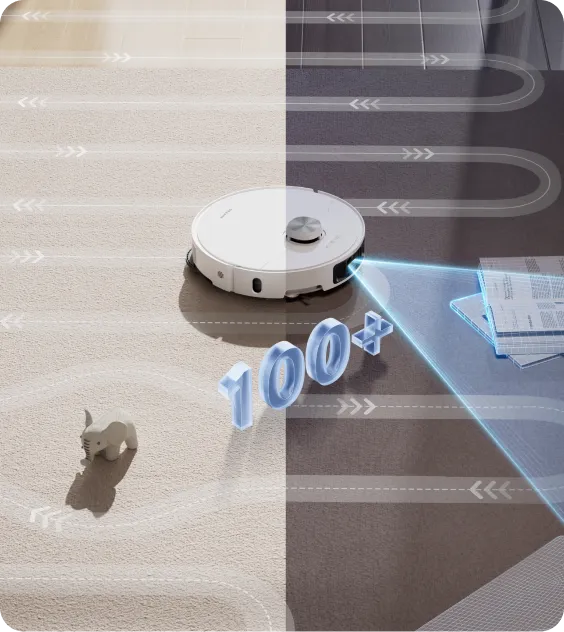
Equipped with a smart camera and 3D structured light, L40 Ultra detects and avoids up to 100 types of objects*, including cables and shoes. The vacuum's built-in LED light helps navigate dimly lit areas.
100 types of objects: Based on tests in Dreame Lab.
Customized Cleaning in Every Room
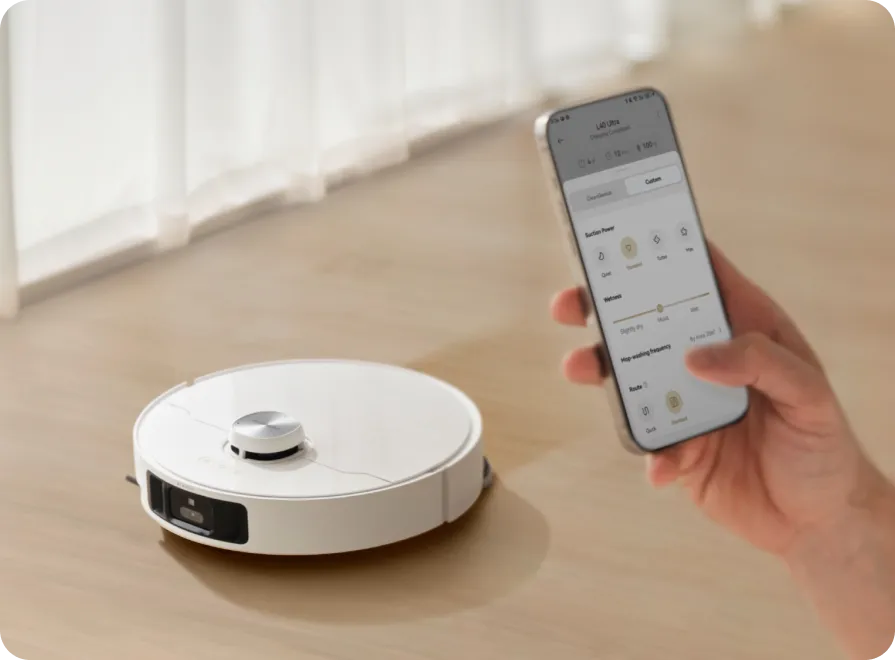
L40 Ultra tailors cleaning to each room, considering a layout, floor type, and furniture placement. Select from 4 modes for single-room or multi-story cleaning, and track sessions with the Dreamehome App's reports for a smooth experience.
Kitchen
Living Room
Bathroom
Kitchen
Living Room
Bathroom
Kitchen
Living Room
Bathroom
More Flexibilities
Say a Command to Get Started
Customize your cleanup with voice commands* or sync with Alexa, Siri, and Google Home**for personalized control. Start, pause, or perform tasks like mapping rooms or avoiding zones with simple voice commands.
Direct Voice Call
Alexa
Google Home
Siri
Voice control language support and availability for the robot vacuum depend on actual usage within the app.
*Voice assistants: The robot vacuum supports Alexa, Siri, and the Google Assistant. The third-party service requires a device that integrates voice technology. The Dreamehome App is required for Siri.
OK Dreame, increase suction.
Turn Your Living Space
into a Pet Haven
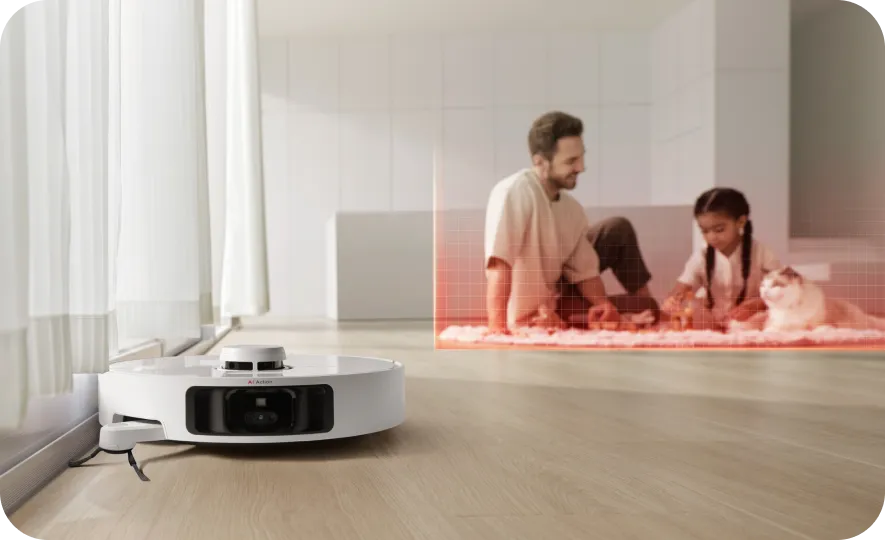
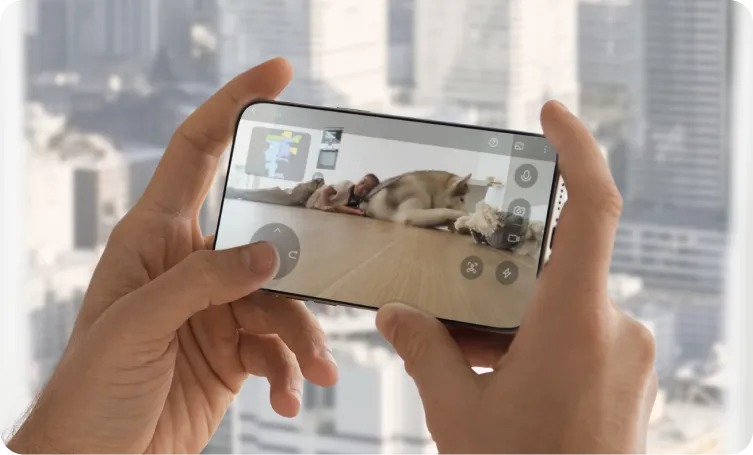
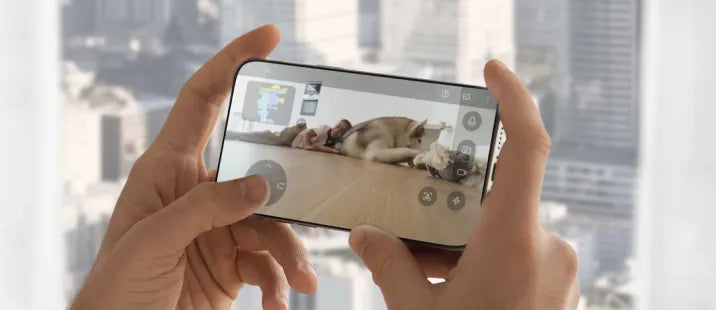
Dive into a Pet Care Mode to get instant cleaning recommendations and establish pet zones* in the Dreamehome App to avoid pet areas. L40 Ultra quickly deals with cat litter and large debris using Large Particles Boost**. Stay connected to your pets via real-time voice control and video monitoring when you're out.
Pet zones: Set the dust-collection mode if necessary.
*Large Particles Boost Mode: Only available in CleanGenius™ Mode, the default is off.
Charges. Recharges. Resumes.
L40 Ultra features a sufficient 5,200mAh battery, providing up to 194 minutes* of vacuuming and mopping in Quiet Mode per charge. The robot vacuum returns to its dock when low on power and resumes cleaning. Schedule charging during off-peak hours* to optimize energy consumption.
5,200mAh
Battery Life
Up to
194 Minutes
Charge
Off-Peak Charging
194 minutes: Tested by Dreame Lab in Vacuuming&Mopping Mode under quiet suction settings. Actual performance is based on the home environment.
*Off-peak hours: Vary by region, please set and adjust according to local conditions.
Package List
Dreame L40 Ultra
Dreame L40 Ultra
Robot Vacuum x1
Base Station x1
Main Brush pre-installed
x1
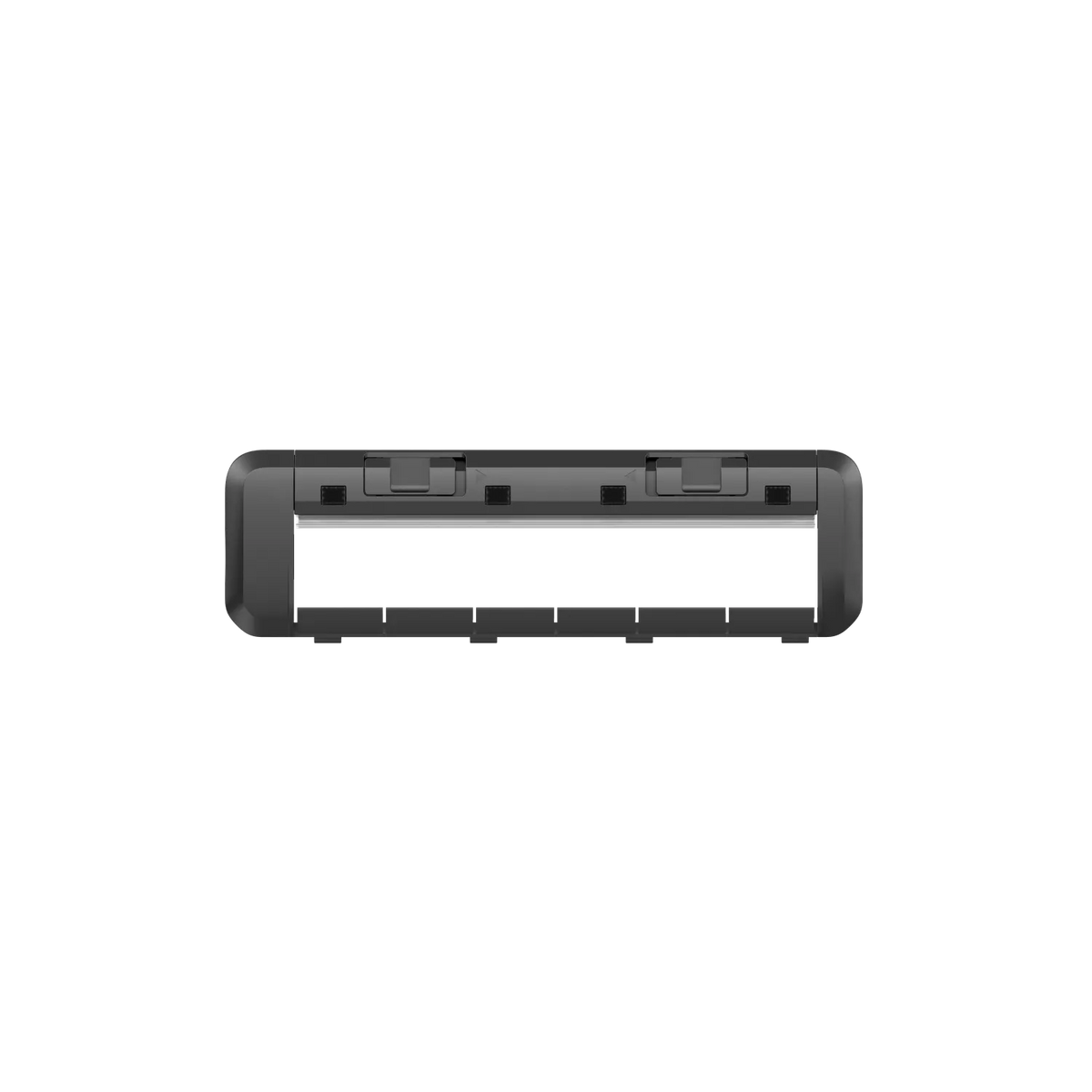
Brush Guard pre-installed
x1
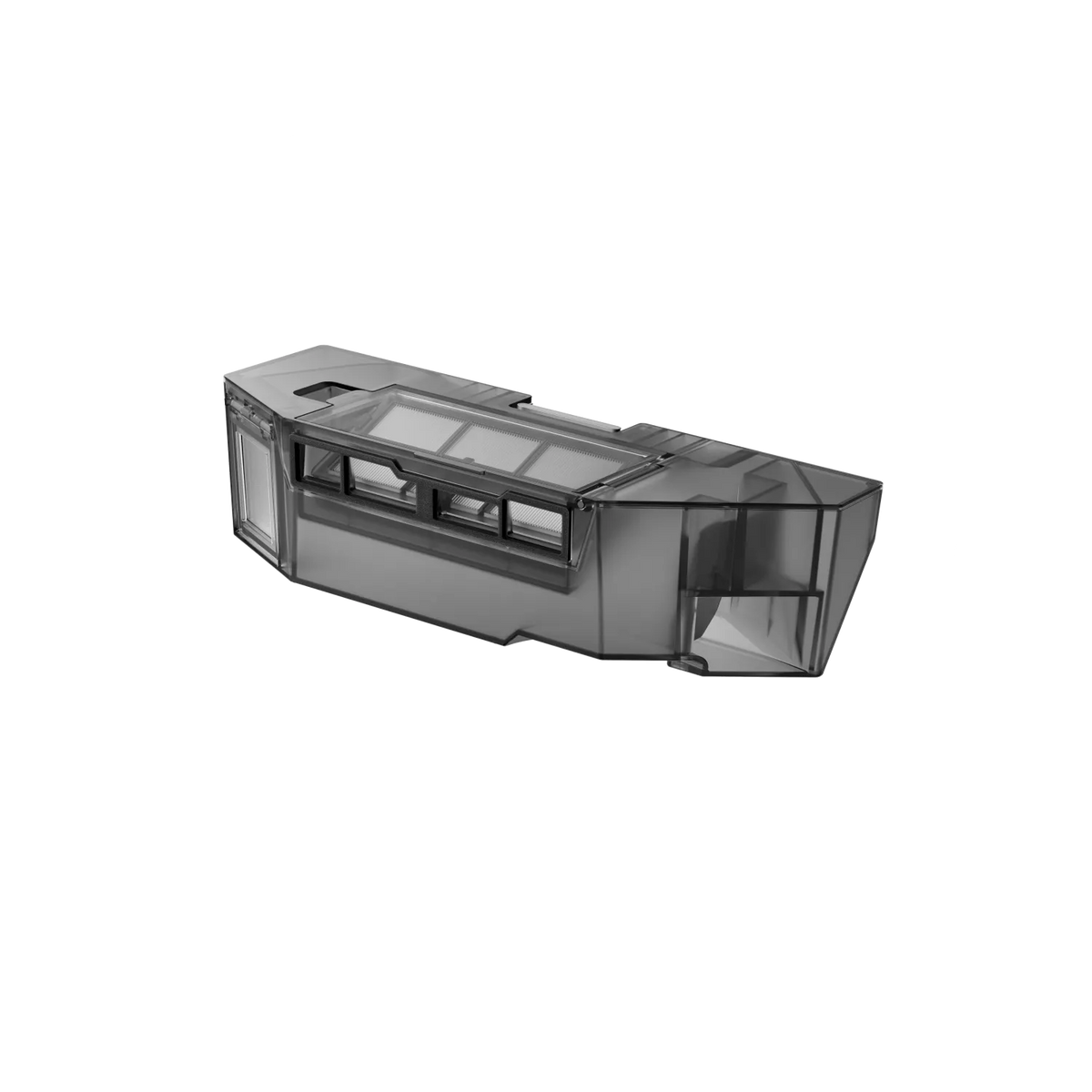
Dust Box (pre-installed x1, including dust box filter)
Side Brush (pre-installed )x 2
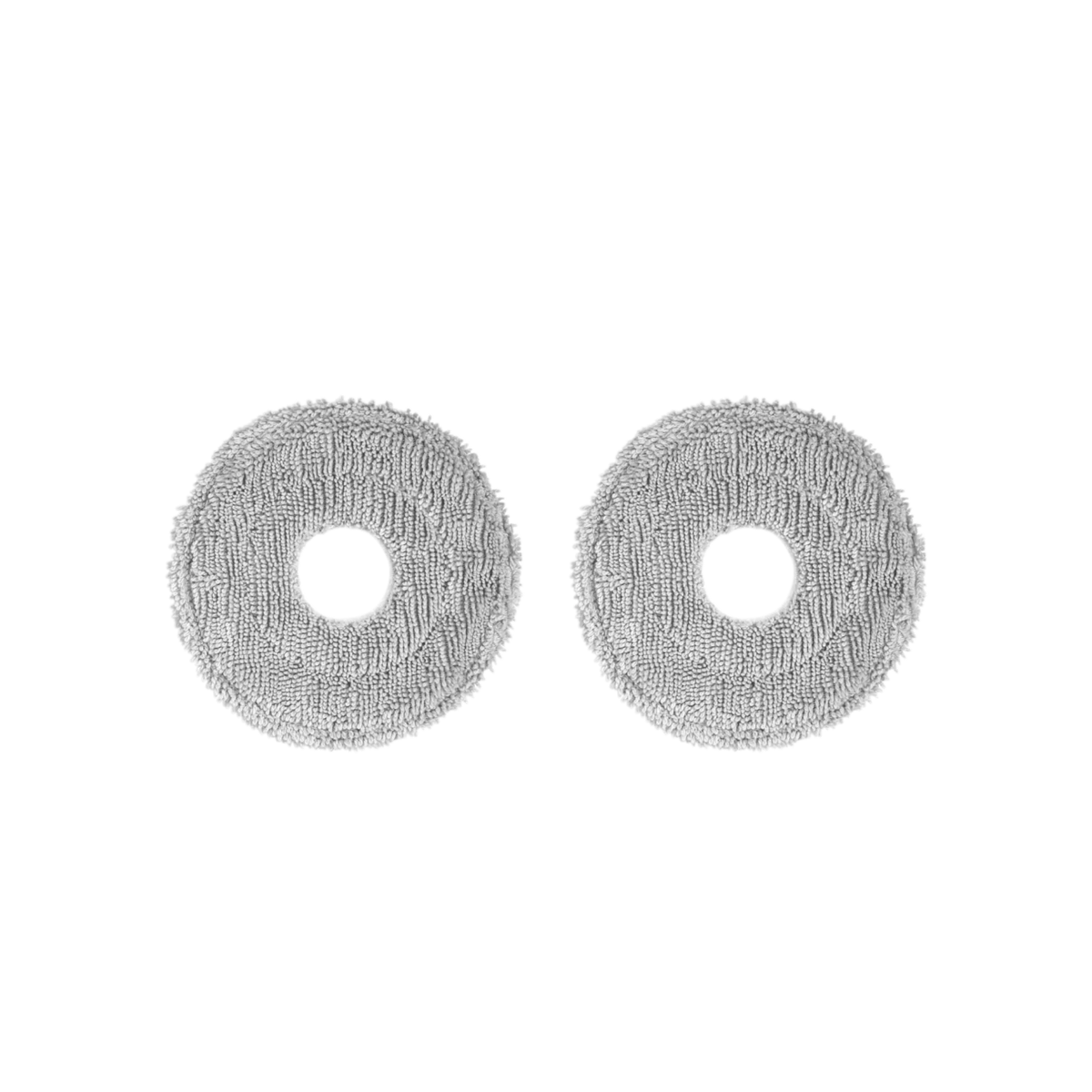
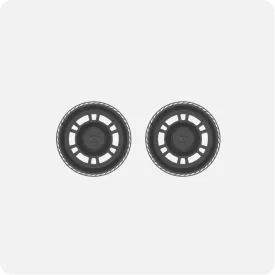
Mop Pad Holder
x 2
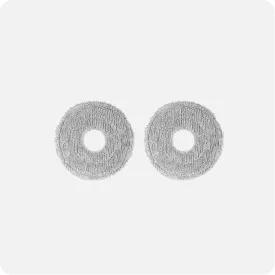
Mop Pad (pre-installed
x2)
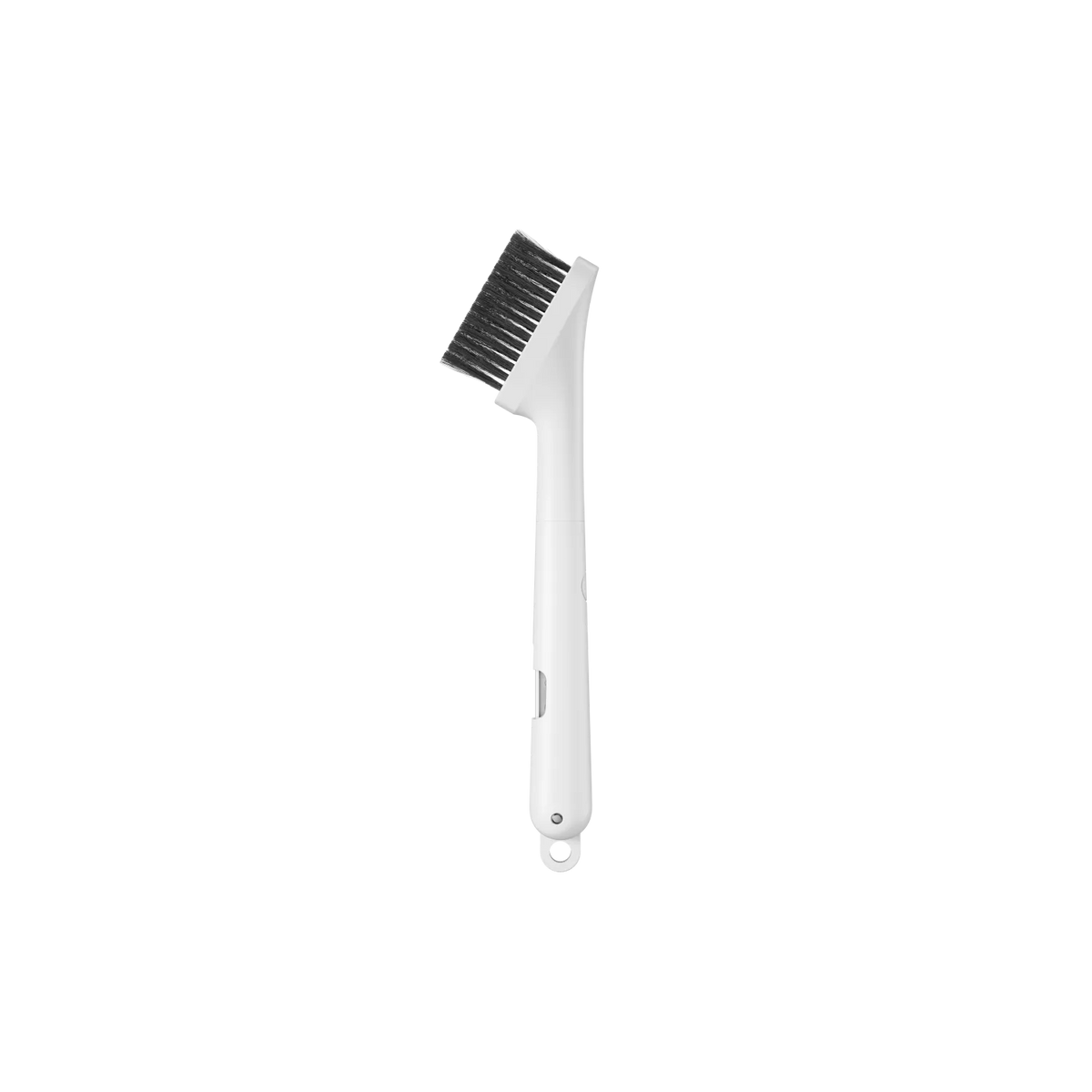
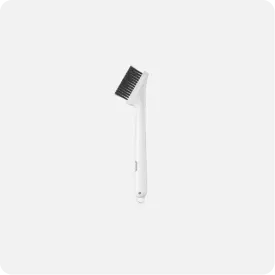
Cleaning Tool
x1
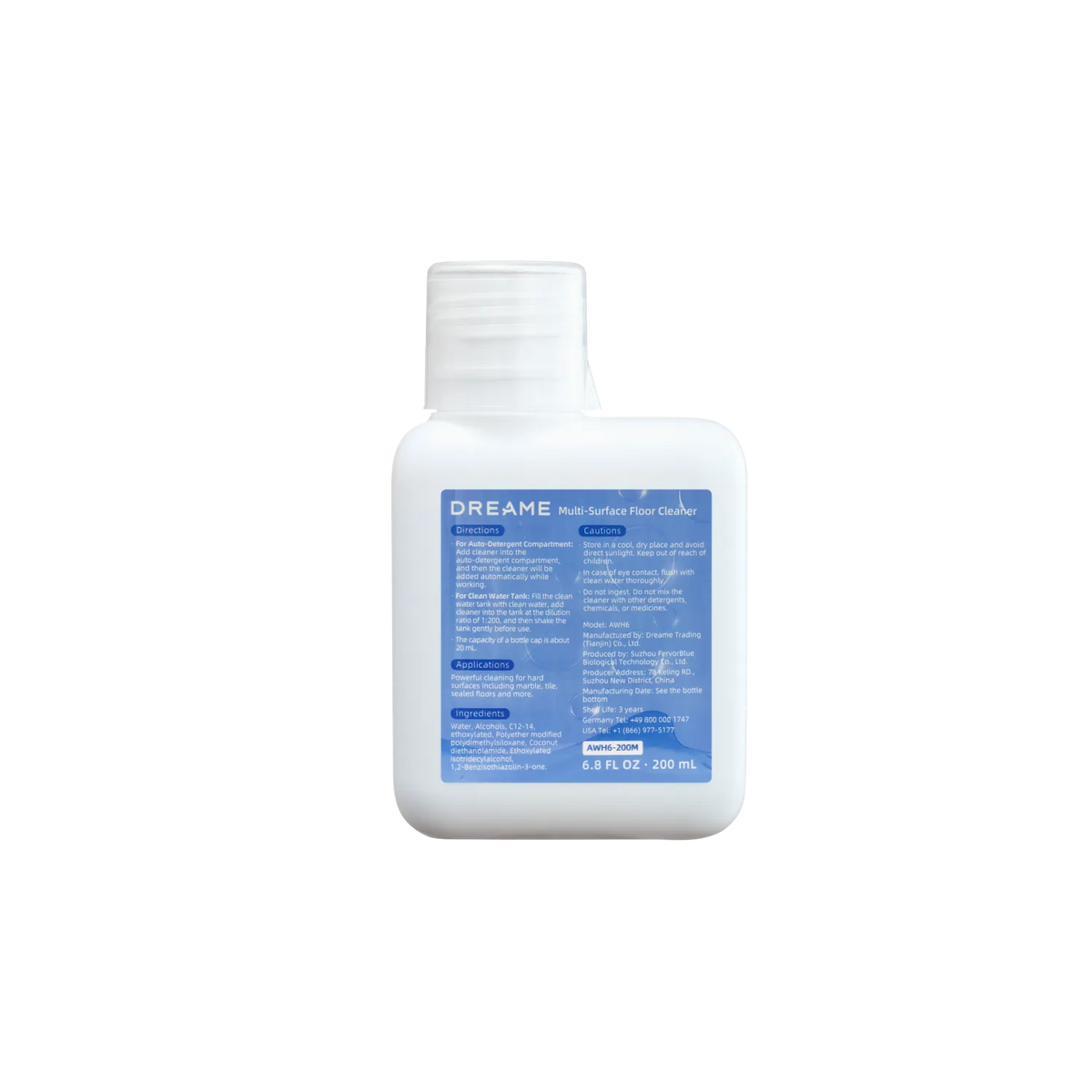
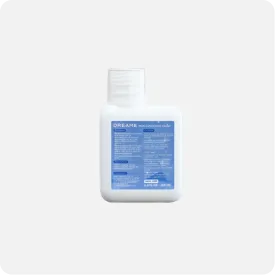
200mL Cleaning Solution x1
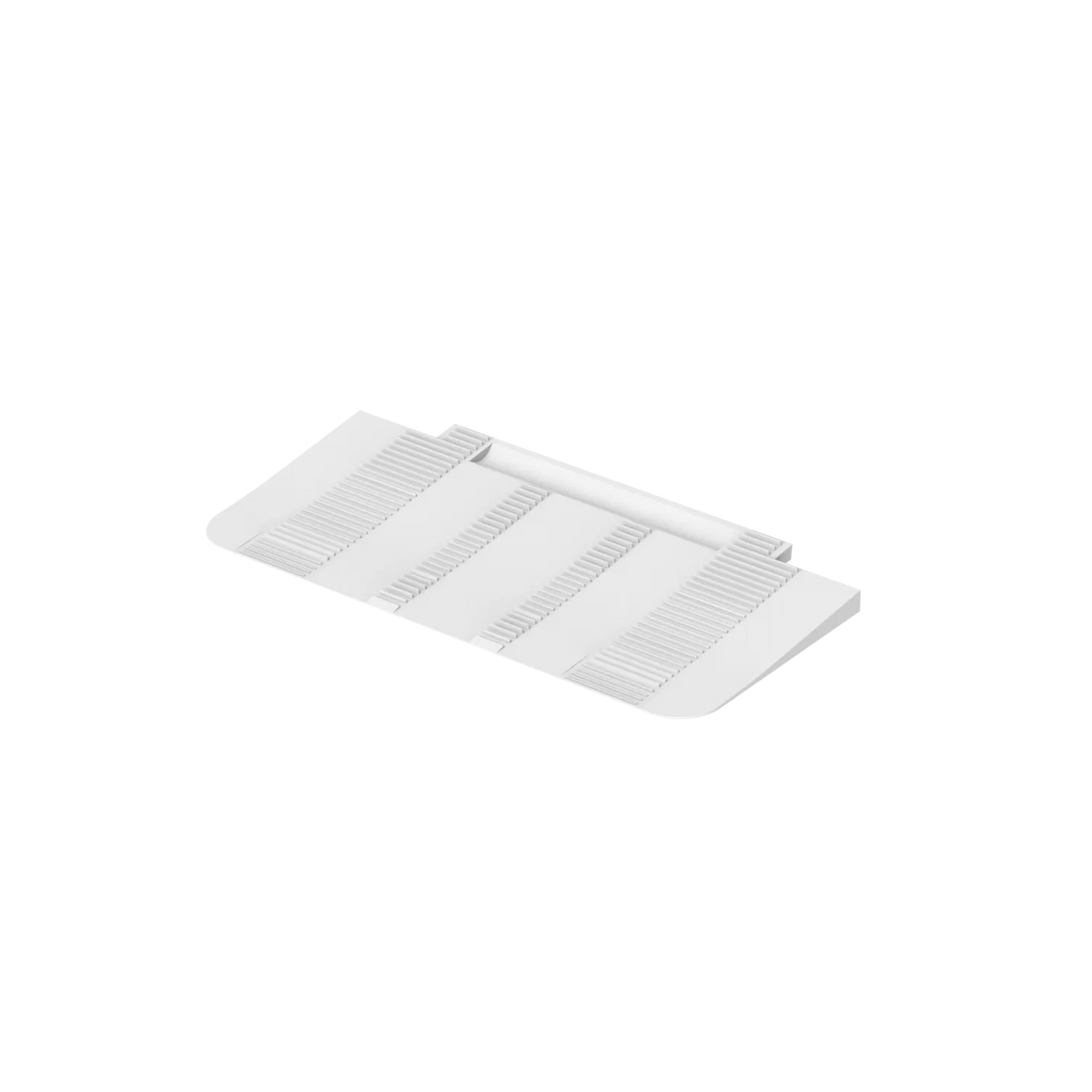
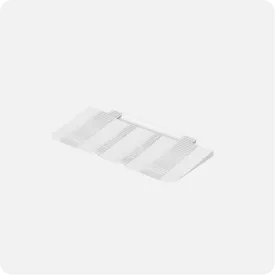
Base Stattion Ramp Extension
x1
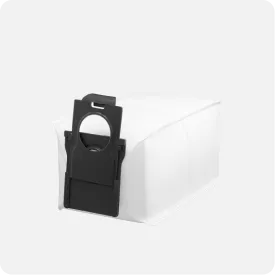
3.2L Dust Bag (pre-installed )
x2
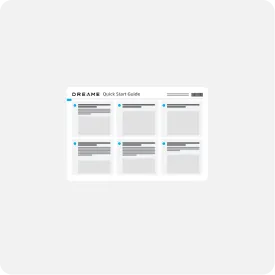
Quick Start Guide
x1
User Manual
x1
Robot Vacuum x1
Base Station x1
Main Brush pre-installed
x1
Brush Guard pre-installed
x1
Dust Box (pre-installed x1, including dust box filter)
Side Brush (pre-installed )x 2
Mop Pad Holder
x 2
Mop Pad (pre-installed
x2)
Cleaning Tool
x1
200mL Cleaning Solution x1
Base Stattion Ramp Extension
x1
3.2L Dust Bag (pre-installed )
x2
Quick Start Guide
x1
User Manual
x1
Learn More
Package List
Dreame L40 Ultra
Dreame L40 Ultra
Robot Vacuum x1
Base Station x1
Main Brush pre-installed
x1
Brush Guard pre-installed
x1
Dust Box (pre-installed x1, including dust box filter)
Side Brush (pre-installed )x 2
Mop Pad Holder
x 2
Mop Pad (pre-installed
x2)
Cleaning Tool
x1
200mL Cleaning Solution x1
Base Stattion Ramp Extension
x1
3.2L Dust Bag (pre-installed x 1)
x2
Quick Start Guide
x1
User Manual
x1
Robot Vacuum x1
Base Station x1
Main Brush pre-installed
x1
Brush Guard pre-installed
x1
Dust Box (pre-installed x1, including dust box filter)
Side Brush (pre-installed )x 2
Mop Pad Holder
x 2
Mop Pad (pre-installed
x2)
Cleaning Tool
x1
200mL Cleaning Solution x1
Base Stattion Ramp Extension
x1
3.2L Dust Bag (pre-installed x 1)
x2
Quick Start Guide
x1
User Manual
x1
Learn More
Specifications
Robot Vacuum Dimensions 350 x 350 x 103.8mm
Charging Dock Dimensions 340 x 456.7 x 590.5mm
Maximum Suction 11,000Pa
Side Brush Extend √
MopExtend RoboSwing √
Mop Lifting Height 10.5mm
Removable Mop √
Battery Capacity 5,200mAh
Dust Bag Capacity 3.2L
Obstacle Crossing Height 22mm
Dust Box Capacity 300mL
Learn More
FAQs
How do I select between Daily and Ultimate Modes?
We provide two cleaning modes to suit your needs. Daily Mode offers quick and efficient cleaning, ideal for regular maintenance. For a deeper clean, Ultimate Mode is perfect when your home needs more intensive care.
Pick the clean that fits your day. · Daily Mode: quick, energy-saving upkeep—perfect for everyday dust, crumbs, and pet hair. · Ultimate Mode: deeper scrub and stronger pickup when you need a reset (after parties, muddy days, shedding season).
At what point does my L40 Ultra recharge automatically? When does my L40 Ultra recharge automatically?
Your L40 Ultra vacuum automatically returns to its base station to recharge when the battery drops below 15%, ensuring it’s always ready for the next cleaning task.
When the battery drops to about 15%, the robot returns to the base and recharges so it’s ready for the next run. If a job is still in progress, it will resume cleaning from where it left off once recharged (recharge-and-resume).
How does the DreameTech L40 Ultra manage both vacuuming and mopping functions? How does L40 Ultra handle vacuuming and mopping together?
Your L40 Ultra is adept at transitioning between vacuuming and mopping functions without interruption. Equipped with a dual mop system, it effectively scrubs floors to eliminate dirt and stains. The mop's operation can be fine-tuned via the app, allowing you to adjust water flow settings to match the specific needs of various surfaces, ensuring that each area is cleaned appropriately.
L40 Ultra can vacuum and mop in one pass or run each task separately—your call. The dual-mop system scrubs hard floors to lift sticky stains while the vacuum path collects dry debris. In the app, adjust water level, choose Vacuum Only for rugs, and draw No-Mop Zones to protect delicate areas. Result: the right clean for every surface, without babysitting.
What should I do if I encounter a problem with the L40 Ultra?
In the event of any issues with the L40 Ultra, please reach out to DreameTech's customer service team for support. The L40 Ultra is backed by a one-year warranty, ensuring peace of mind during use. Furthermore, the mobile app contains a user guide and FAQs to expedite the resolution of minor issues.
Start with these quick wins: 1. Check the base & Wi-Fi: make sure the dock is powered and the robot is fully seated. 2. Refresh consumables: empty/replace the dust bag, rinse the filter/pads, and clear the brush. 3. Clean sensors/contacts: wipe the cliff sensors, front sensors, and charging contacts. 4. Update & retry: open the app to install any firmware updates, then start a short test clean.
Still need help? Contact Dreame Customer Support. L40 Ultra includes a one-year warranty, and the app’s User Guide & FAQs can resolve most minor issues in minutes.





 Australia
 中国大陆
中国大陆 日本
日本


 Türkiye



 Ireland
 Portugal
 Italia
 Netherlands
 Belgium
 Greece
 Polska
 Norway
 Sweden
 Finland
 Denmark
 Hungary
 Czechia
 Slovenia
 Croatia
 Switzerland
 United Kingdom
 Belarus
 Georgia
 Canada


 Colombia